WayShot for Linux 0.4.0
WayShot for Linux: screenshot and annotation tool - capture, mark up and share screenshots with arrows, text, blur and color tools.
Overview
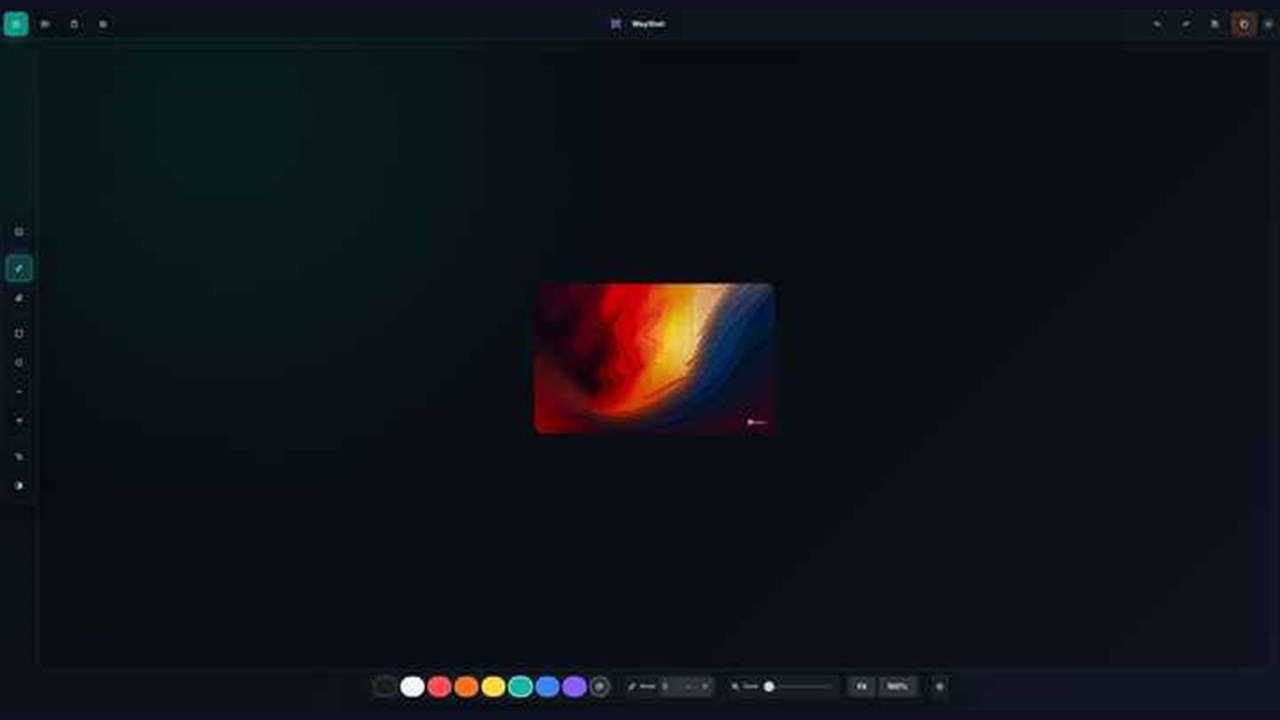
WayShot captures your screen and opens the shot instantly in a built-in editor. Draw arrows and shapes, add text labels, highlight regions, pixelate sensitive information, and pick colors - then save or copy the result without ever opening a separate image editor. It is the fast capture-annotate-share loop that documentation, bug reports and tutorials need. Capture the full screen, a window, or a freehand region. The annotation toolbar stays out of the way until you need it, with stroke width and color controls one click away. On Wayland-based desktops it integrates natively with the compositor for reliable captures where older X11 tools fail. WayShot is free and open-source software. On Linux the officially recommended distribution is the Flatpak: the download link below takes you to its listing on Flathub, which installs the current release with automatic updates on any distribution. System Requirements OS: Any 64-bit Linux distribution (Flatpak via Flathub) Size: About 20 MB installed via Flatpak Note: Free and open-source - screenshot and annotation tool Features: Region/window/fullscreen capture, annotations, blur tool, color picker, clipboard copy Source: flathub.org/apps/io.github.gutopardini.wayshot Download source: WayShot's official Linux channel: its listing on Flathub (io.github.gutopardini.wayshot).
Product Information
- Version: 0.4.0
- Platform: Linux
- File Size: 20 MB
- Developer: gutopardini
- License: Free / Open Source
- Downloads: 0
Frequently Asked Questions
- Is WayShot for Linux safe to download from FileXD?
- Yes. Every release of WayShot for Linux 0.4.0 hosted on FileXD is malware-scanned and verified before publication with a clean direct download link.
- What is the latest version and file size of WayShot for Linux?
- The latest version available on FileXD is 0.4.0 with a file size of 20 MB.
- How do I download WayShot for Linux directly?
- Click the Direct Download button on the WayShot for Linux page on FileXD to download the verified installer directly at full speed with no registration required.
Direct Download WayShot for Linux 0.4.0