Warp for Linux 1.0.0
Warp for Linux: send files to any device on the network with a short code.
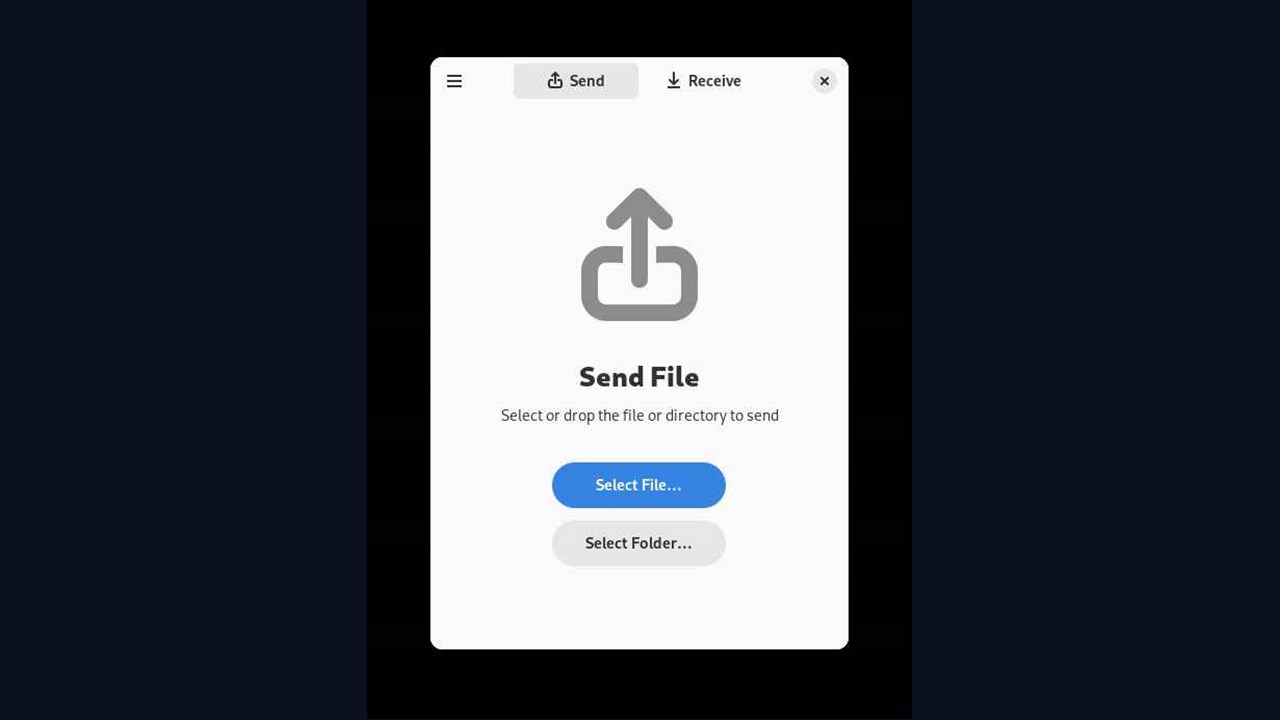
Overview
Warp moves files between devices without cables, clouds or accounts. Pick a file and Warp gives you a short code and QR code; enter the code on the other device - Linux, Windows, macOS or Android - and the file transfers directly, encrypted end to end with the Magic Wormhole protocol. Transfers go over the local network when possible and fall back to a relay when it is not, so it works across rooms and across the internet alike. No file size limits, no sign-up, nothing stored on a server. Warp on Linux: the officially recommended distribution is the Flatpak. The download link below takes you to its listing on Flathub, which installs the current release with automatic updates on any distribution. System Requirements OS: Any 64-bit Linux distribution (Flatpak via Flathub) Size: About 6 MB installed via Flatpak License: Free / Open Source (GPL-3.0) Features: Local network file transfer, Magic Wormhole end-to-end encryption, QR and text codes, cross-platform, no accounts Source: flathub.org/apps/app.drey.Warp Download source: the official Flathub listing for Warp (app.drey.Warp).
Product Information
- Version: 1.0.0
- Platform: Linux
- File Size: 6 MB
- Developer: Fina Wilke
- License: Free / Open Source (GPL-3.0)
- Downloads: 0
Frequently Asked Questions
- Is Warp for Linux safe to download from FileXD?
- Yes. Every release of Warp for Linux 1.0.0 hosted on FileXD is malware-scanned and verified before publication with a clean direct download link.
- What is the latest version and file size of Warp for Linux?
- The latest version available on FileXD is 1.0.0 with a file size of 6 MB.
- How do I download Warp for Linux directly?
- Click the Direct Download button on the Warp for Linux page on FileXD to download the verified installer directly at full speed with no registration required.
Direct Download Warp for Linux 1.0.0