unlockR for Linux 0.9.2
unlockR for Linux: remove the password from your own PDF files in seconds.
Overview
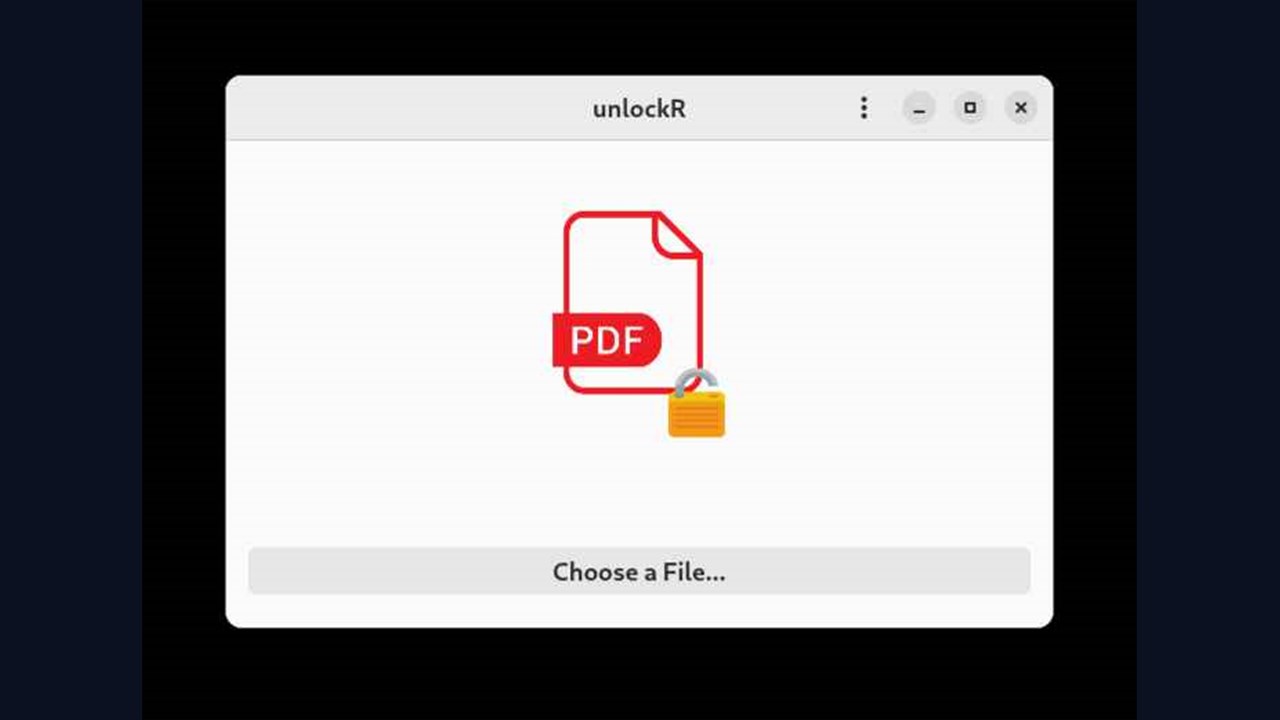
unlockR frees you from retyping the same PDF password over and over. Drop in an encrypted PDF, enter its password once, and it writes a clean, unprotected copy you can open, print and share freely. The interface could not be simpler: a Choose a File button, a clear encrypted or decrypted status, and a light or dark theme to match your desktop. It works entirely offline - your documents and passwords never leave the machine. unlockR on Linux: the officially recommended distribution is the Flatpak. The download link below takes you to its listing on Flathub, which installs the current release with automatic updates on any distribution. System Requirements OS: Any 64-bit Linux distribution (Flatpak via Flathub) Size: About 10 MB installed via Flatpak License: Free / Open Source (GPL-3.0) Features: PDF password removal, offline processing, encrypted and decrypted status, light and dark themes Source: flathub.org/apps/com.github.jkotra.unlockr Download source: unlockR's official Linux channel: its listing on Flathub (com.github.jkotra.unlockr).
Product Information
- Version: 0.9.2
- Platform: Linux
- File Size: 10 MB
- Developer: Jagadeesh Kotra
- License: Free / Open Source (GPL-3.0)
- Downloads: 0
Frequently Asked Questions
- Is unlockR for Linux safe to download from FileXD?
- Yes. Every release of unlockR for Linux 0.9.2 hosted on FileXD is malware-scanned and verified before publication with a clean direct download link.
- What is the latest version and file size of unlockR for Linux?
- The latest version available on FileXD is 0.9.2 with a file size of 10 MB.
- How do I download unlockR for Linux directly?
- Click the Direct Download button on the unlockR for Linux page on FileXD to download the verified installer directly at full speed with no registration required.
Direct Download unlockR for Linux 0.9.2