Retro for Linux 2.2
Retro for Linux: a customizable seven-segment clock widget.
Overview
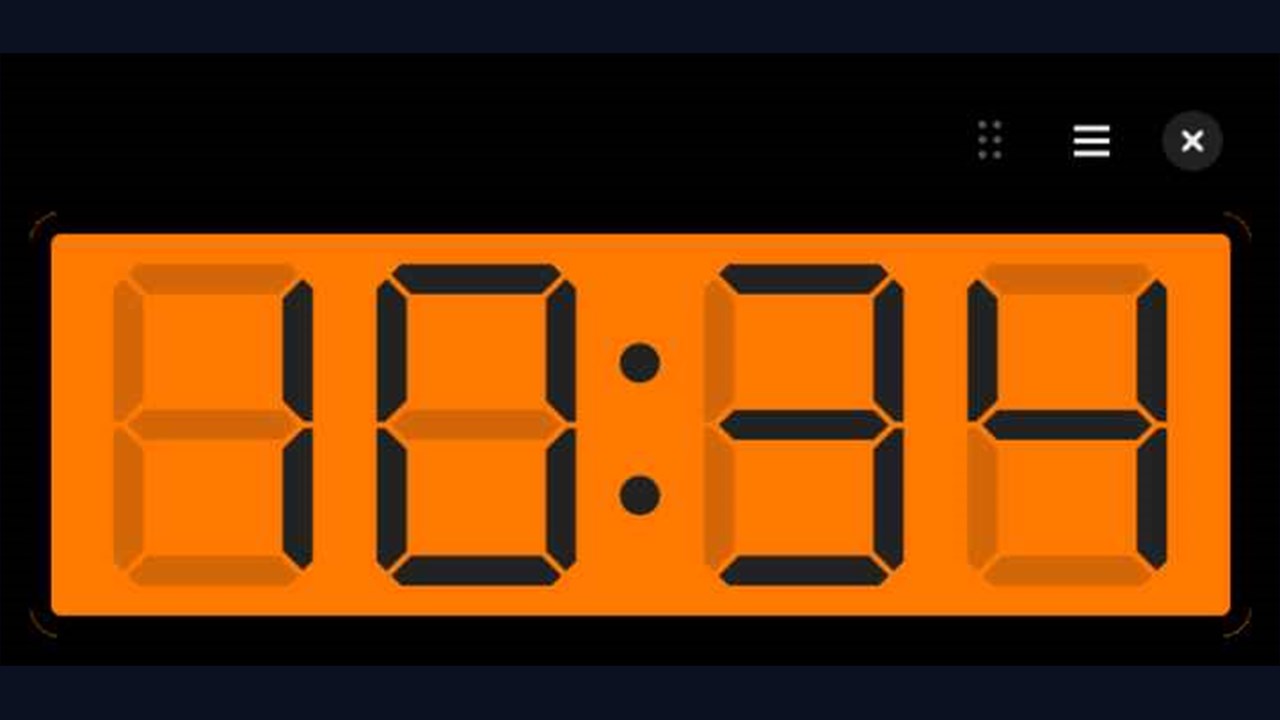
Retro is a desk clock with the warm look of a classic seven-segment LED display. It floats on your desktop in any color you like - the whole appearance is controlled by a simple CSS editor inside the app, so colors, borders, glow and transparency are all yours. A live code view shows exactly what each property does, and reset brings the default style back instantly. Perfect for a clean always-visible clock on a second monitor or a presentation screen. Retro on Linux: the officially recommended distribution is the Flatpak. The download link below takes you to its listing on Flathub, which installs the current release with automatic updates on any distribution. System Requirements OS: Any 64-bit Linux distribution (Flatpak via Flathub) Size: About 2 MB installed via Flatpak License: Free / Open Source (GPL-3.0) Features: Seven-segment clock display, full CSS customization, live style editor, adjustable colors and opacity, lightweight Source: flathub.org/apps/re.sonny.Retro Download source: the official Flathub listing for Retro (re.sonny.Retro).
Product Information
- Version: 2.2
- Platform: Linux
- File Size: 2 MB
- Developer: Sonny Piers
- License: Free / Open Source (GPL-3.0)
- Downloads: 0
Frequently Asked Questions
- Is Retro for Linux safe to download from FileXD?
- Yes. Every release of Retro for Linux 2.2 hosted on FileXD is malware-scanned and verified before publication with a clean direct download link.
- What is the latest version and file size of Retro for Linux?
- The latest version available on FileXD is 2.2 with a file size of 2 MB.
- How do I download Retro for Linux directly?
- Click the Direct Download button on the Retro for Linux page on FileXD to download the verified installer directly at full speed with no registration required.
Direct Download Retro for Linux 2.2