Raspberry Pi Imager for Linux 2.0.12
Raspberry Pi Imager for Linux: the official tool to write Raspberry Pi OS and other images to SD cards and USB drives.
Overview
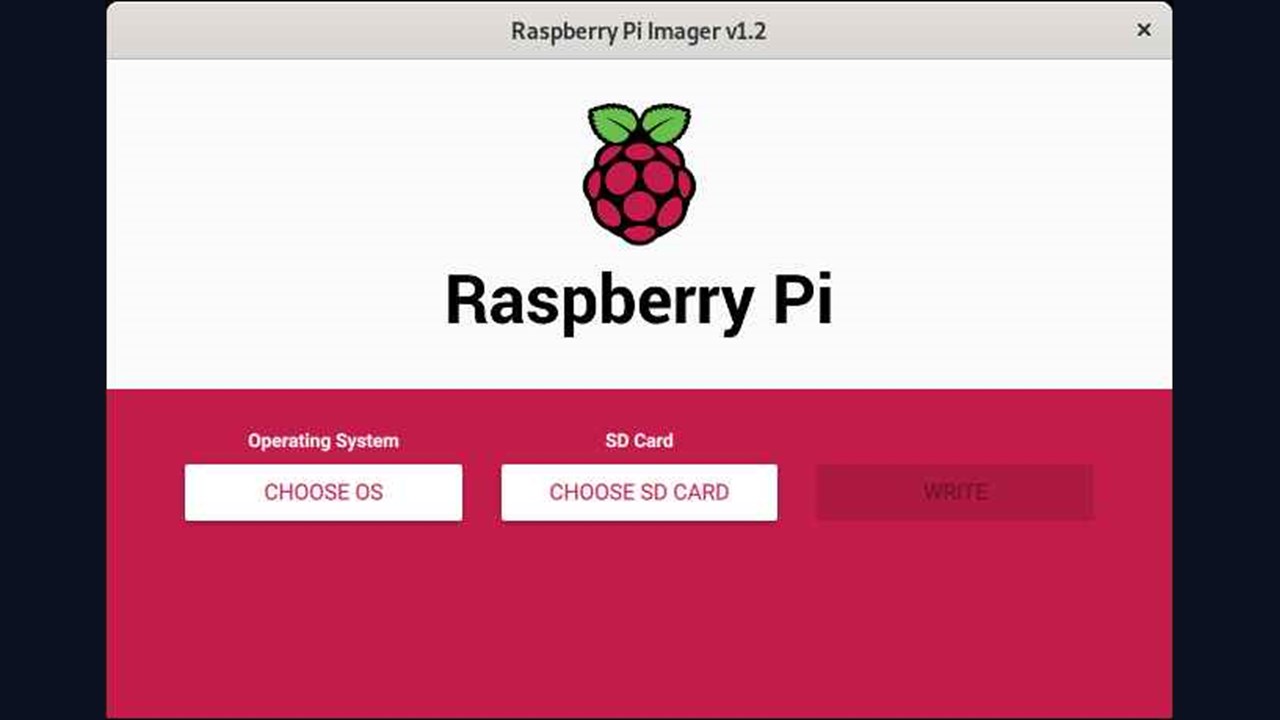
Raspberry Pi Imager is the official imaging utility from Raspberry Pi. Pick an operating system from the built-in catalog - Raspberry Pi OS in all its variants, Ubuntu, LibreELEC and more - choose your SD card or USB drive, and the tool downloads, writes and verifies the image in one flow. Before writing, you can preconfigure the image: set hostname, user, Wi-Fi, locale and enable SSH, so the Pi boots ready for your network. Custom images from your own files work too, and every write is verified automatically, which makes bad cards obvious immediately. Raspberry Pi Imager is free and open-source software. On Linux the officially recommended distribution is the Flatpak: the download link below takes you to its listing on Flathub, which installs the current release with automatic updates on any distribution. System Requirements OS: Any 64-bit Linux distribution (Flatpak via Flathub) Size: About 30 MB installed via Flatpak Note: Free and open-source Features: Official Raspberry Pi tool, OS catalog with direct downloads, OS customization (user, Wi-Fi, SSH), write verification, custom image support Source: flathub.org/apps/org.raspberrypi.rpi-imager Download source: Raspberry Pi Imager's official Linux channel: its listing on Flathub (org.raspberrypi.rpi-imager).
Product Information
- Version: 2.0.12
- Platform: Linux
- File Size: 30 MB
- Developer: Raspberry Pi Ltd
- License: Free / Open Source (Apache-2.0)
- Downloads: 0
Frequently Asked Questions
- Is Raspberry Pi Imager for Linux safe to download from FileXD?
- Yes. Every release of Raspberry Pi Imager for Linux 2.0.12 hosted on FileXD is malware-scanned and verified before publication with a clean direct download link.
- What is the latest version and file size of Raspberry Pi Imager for Linux?
- The latest version available on FileXD is 2.0.12 with a file size of 30 MB.
- How do I download Raspberry Pi Imager for Linux directly?
- Click the Direct Download button on the Raspberry Pi Imager for Linux page on FileXD to download the verified installer directly at full speed with no registration required.
Direct Download Raspberry Pi Imager for Linux 2.0.12