QCanvas for Linux 2026.10.22
QCanvas for Linux: Canvas LMS desktop client - browse course pages, assignments and mail from your institution's Canvas.
Overview
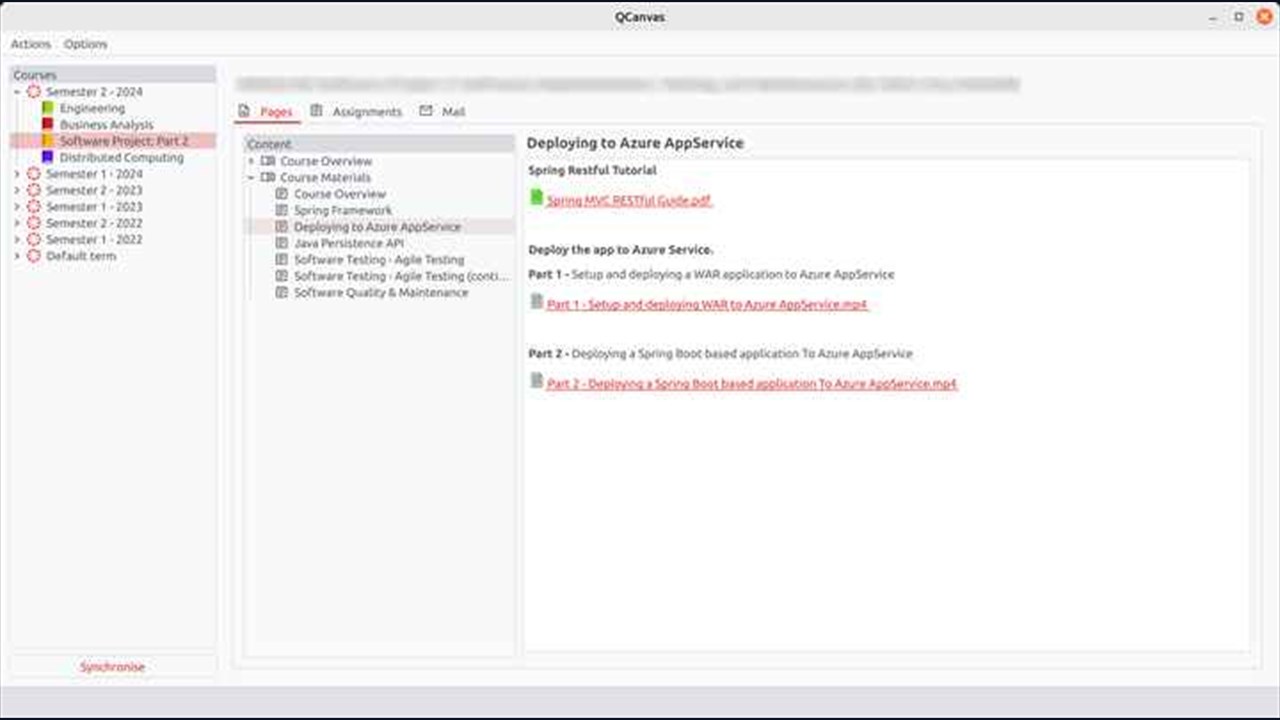
QCanvas brings your Canvas LMS courses to the desktop. Browse the course tree by semester, open pages and course materials, and read assignments with their attachments without juggling browser tabs. Canvas mail arrives in the same window, so course communication stays next to the content it refers to. The three-pane layout keeps navigation, lists and content visible together, and synchronization pulls fresh material on demand. Log in with your institution's Canvas server and your courses are one click away whenever you need them. QCanvas is free and open-source software. It requires a Canvas account at your school or university. On Linux the officially recommended distribution is the Flatpak: the download link below takes you to its listing on Flathub, which installs the current release with automatic updates on any distribution. System Requirements OS: Any 64-bit Linux distribution (Flatpak via Flathub) Size: About 50 MB installed via Flatpak Note: Free and open-source - requires a Canvas LMS account Features: Course tree, pages and materials, assignments, Canvas mail, offline caching Source: flathub.org/apps/io.github.qcanvas.QCanvasApp Download source: QCanvas's official Linux channel: its listing on Flathub (io.github.qcanvas.QCanvasApp).
Product Information
- Version: 2026.10.22
- Platform: Linux
- File Size: 50 MB
- Developer: QCanvas
- License: Free / Open Source
- Downloads: 0
Frequently Asked Questions
- Is QCanvas for Linux safe to download from FileXD?
- Yes. Every release of QCanvas for Linux 2026.10.22 hosted on FileXD is malware-scanned and verified before publication with a clean direct download link.
- What is the latest version and file size of QCanvas for Linux?
- The latest version available on FileXD is 2026.10.22 with a file size of 50 MB.
- How do I download QCanvas for Linux directly?
- Click the Direct Download button on the QCanvas for Linux page on FileXD to download the verified installer directly at full speed with no registration required.
Direct Download QCanvas for Linux 2026.10.22