Ptyxis for Linux 50.1
Ptyxis for Linux: the modern GNOME terminal built for containers - Toolbox, Podman, distrobox and SSH sessions get first-class profiles alongside your local shell.
Overview
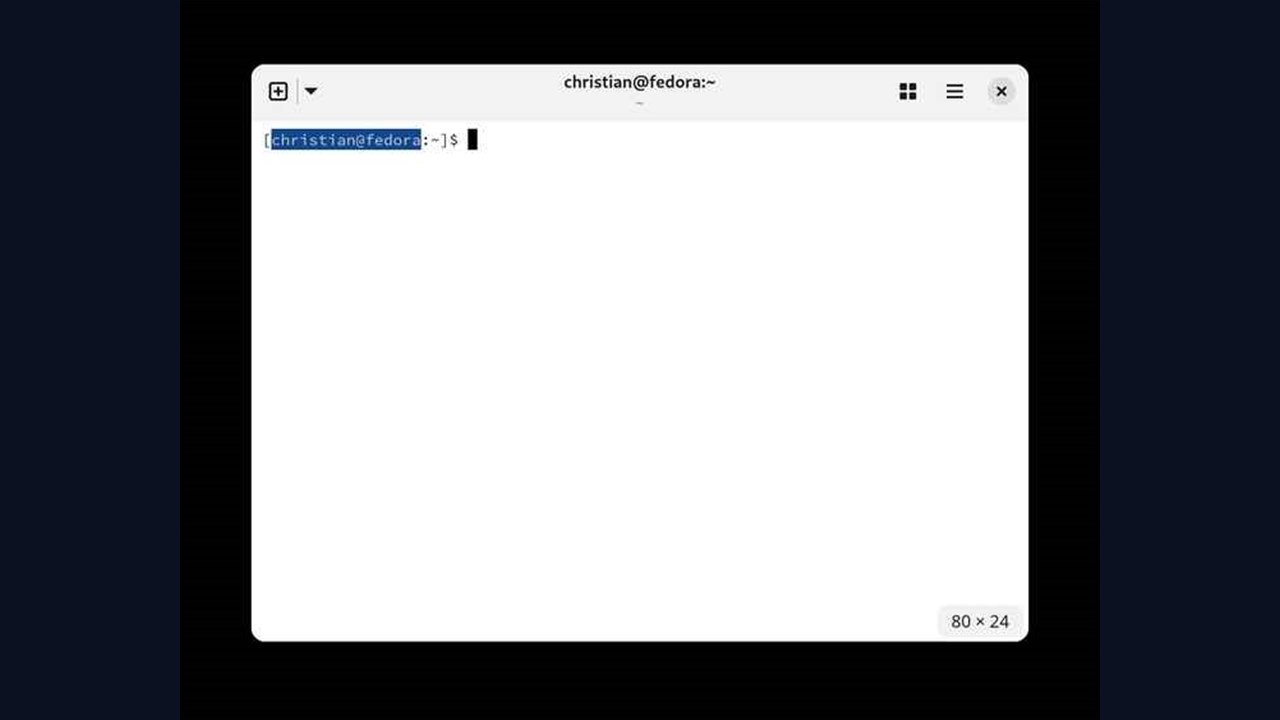
Ptyxis (formerly Prompt) is the terminal emulator designed for how Linux development works now: everything in containers. It detects Toolbox, Podman, distrobox and JHBuild environments automatically and lists them beside your regular profiles, so a Fedora toolbox or a RHEL developer container is one click from a tab. Each container profile keeps its own palette, title and behavior. The core is VTE with a fast GPU-friendly renderer, tabs with titles you set per session, light and dark palettes, zoom, fullscreen, and a searchable preferences dialog. It tracks the working directory for new tabs, supports shell integration for prompts, and stays out of the way - the chrome is minimal and every action has a shortcut. Ptyxis is free and open-source software (GPL). On Linux the officially recommended distribution is the Flatpak: the download link below takes you to its listing on Flathub, which installs the current release with automatic updates on any distribution. System Requirements OS: Any 64-bit Linux distribution (Flatpak via Flathub) Size: About 30 MB installed via Flatpak Note: Free and open-source (GPL) Features: Container-aware profiles (Toolbox/Podman/distrobox/JHBuild), tabs with custom titles, palettes, VTE terminal, minimal GNOME UI Source: flathub.org/apps/app.devsuite.Ptyxis Download source: Ptyxis's official Linux channel: its listing on Flathub (app.devsuite.Ptyxis).
Product Information
- Version: 50.1
- Platform: Linux
- File Size: 30 MB
- Developer: Christian Hergert
- License: Free / Open Source
- Downloads: 0
Frequently Asked Questions
- Is Ptyxis for Linux safe to download from FileXD?
- Yes. Every release of Ptyxis for Linux 50.1 hosted on FileXD is malware-scanned and verified before publication with a clean direct download link.
- What is the latest version and file size of Ptyxis for Linux?
- The latest version available on FileXD is 50.1 with a file size of 30 MB.
- How do I download Ptyxis for Linux directly?
- Click the Direct Download button on the Ptyxis for Linux page on FileXD to download the verified installer directly at full speed with no registration required.
Direct Download Ptyxis for Linux 50.1