OpenSCQ30 for Linux 2.13.0
OpenSCQ30 for Linux: control Soundcore headphones - noise canceling modes, custom equalizers and button remapping without the phone app.
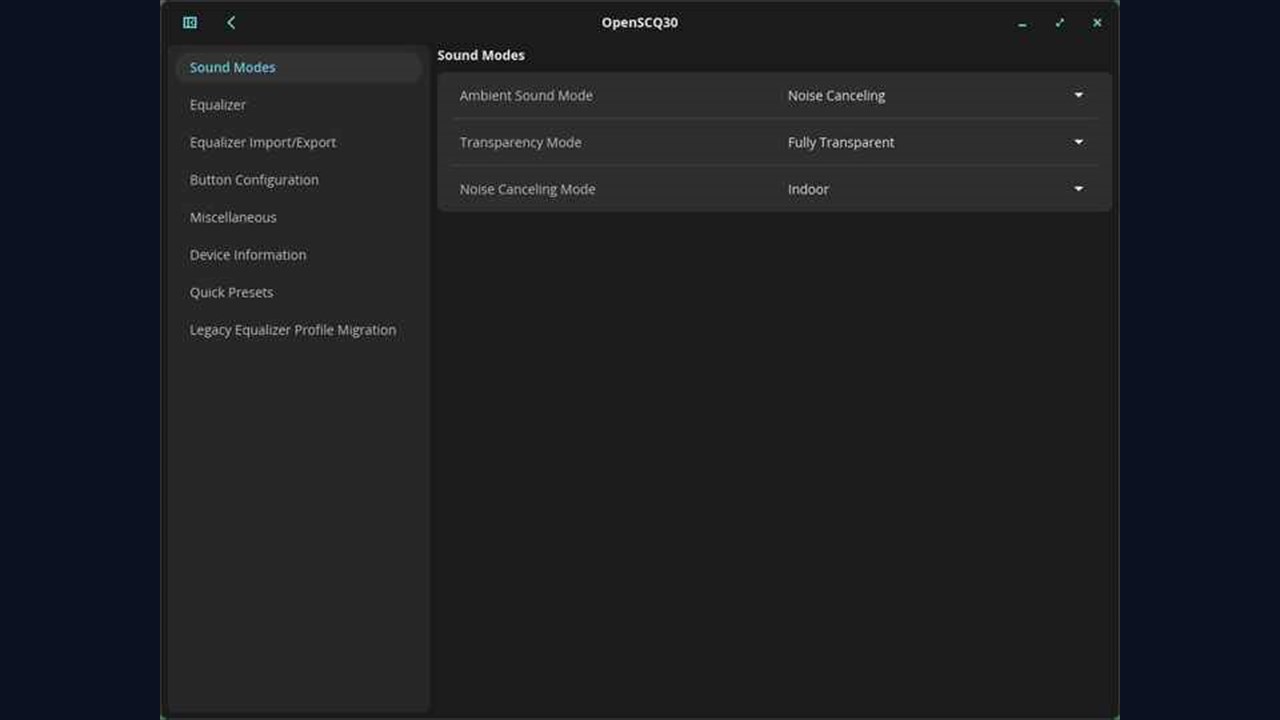
Overview
OpenSCQ30 gives Soundcore headphone owners full control from the Linux desktop. Switch ambient sound modes (noise canceling, transparency, normal), pick ANC strength, and shape the sound with a custom multi-band equalizer you can save, import and export. Button presses are remappable - single, double and long press can each do what you want. Quick presets bundle a whole configuration - ANC mode, EQ, button mappings - into one tap, ideal for switching between commute, office and home. Device information shows firmware and battery at a glance. OpenSCQ30 talks to the headphones over Bluetooth; no account, no cloud. OpenSCQ30 is free and open-source software. On Linux the officially recommended distribution is the Flatpak: the download link below takes you to its listing on Flathub, which installs the current release with automatic updates on any distribution. System Requirements OS: Any 64-bit Linux distribution (Flatpak via Flathub) Size: About 20 MB installed via Flatpak Note: Free and open-source - requires Soundcore headphones Features: ANC modes, custom EQ, button remapping, quick presets, device info Source: flathub.org/apps/com.oppzippy.OpenSCQ30 Download source: OpenSCQ30's official Linux channel: its listing on Flathub (com.oppzippy.OpenSCQ30).
Product Information
- Version: 2.13.0
- Platform: Linux
- File Size: 20 MB
- Developer: Oppzippy
- License: Free / Open Source
- Downloads: 0
Frequently Asked Questions
- Is OpenSCQ30 for Linux safe to download from FileXD?
- Yes. Every release of OpenSCQ30 for Linux 2.13.0 hosted on FileXD is malware-scanned and verified before publication with a clean direct download link.
- What is the latest version and file size of OpenSCQ30 for Linux?
- The latest version available on FileXD is 2.13.0 with a file size of 20 MB.
- How do I download OpenSCQ30 for Linux directly?
- Click the Direct Download button on the OpenSCQ30 for Linux page on FileXD to download the verified installer directly at full speed with no registration required.
Direct Download OpenSCQ30 for Linux 2.13.0