Measure for Linux Free Download 103
Measure for Linux: an oscilloscope program that turns the computer into a visual and statistical view of microphone input.
Overview
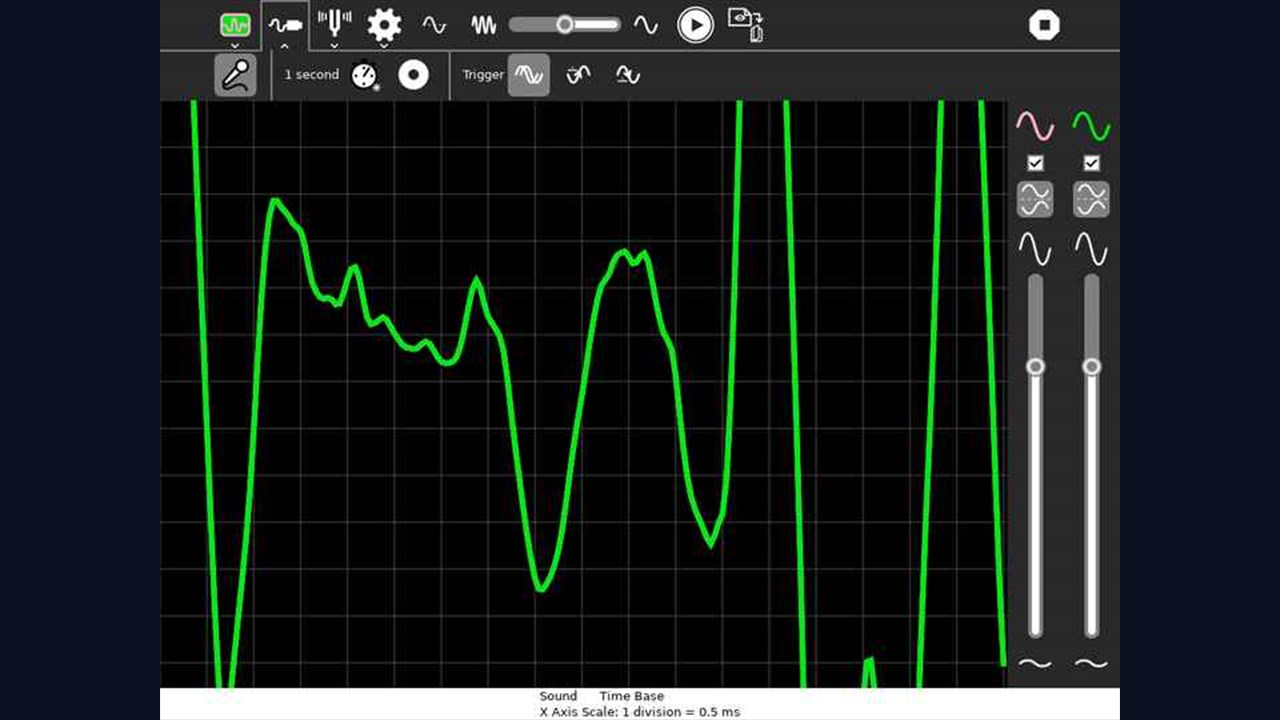
Overview Measure is a tool that turns the computer into an oscilloscope. You can easily visualize your voice or even a musical instrument. It provides an interface for kids to connect with the physical world, and an opportunity to view and understand it through visual and statistical representations. It comes from the Sugar Labs community, which builds learning software. The window has a dark display with a green trace, a toolbar across the top and a column of controls on the right side. The screenshots show a waveform view, a frequency view with spikes at the main pitches in a sound, and an idle view with no signal. Key features An oscilloscope display for microphone input. A way to visualize your voice or a musical instrument. A time view of the waveform and a frequency view of the sound. Visual and statistical representations of what the program measures. A toolbar with controls to start, pause and change the display. An interface designed for children to explore the physical world. Who it is for Measure is for students, teachers and curious families who want to see sound. It suits a physics lesson on waves, a music class, or a quick experiment at home. How to use it Open the program and allow it to use the microphone. Speak, whistle or play an instrument near the microphone and watch the trace change on the screen. Switch to the frequency view to see which pitches are strongest. Use the controls on the side to pause the display or change what is shown. Try a loud sound a…
Product Information
- Version: 103
- Platform: Linux
- File Size: 100 MB
- Developer: Sugar Labs Community
- License: Free / Open Source (GPL-2.0)
- Downloads: 0
Frequently Asked Questions
- Is Measure for Linux Free Download safe to download from FileXD?
- Yes. Every release of Measure for Linux Free Download 103 hosted on FileXD is malware-scanned and verified before publication with a clean direct download link.
- What is the latest version and file size of Measure for Linux Free Download?
- The latest version available on FileXD is 103 with a file size of 100 MB.
- How do I download Measure for Linux Free Download directly?
- Click the Direct Download button on the Measure for Linux Free Download page on FileXD to download the verified installer directly at full speed with no registration required.
Direct Download Measure for Linux Free Download 103