Inspector for Linux 0.3.0
Inspector for Linux: a clean hardware information tool - see your motherboard, CPU, memory, disks, PCI and USB devices, network hardware and kernel details at a glance.
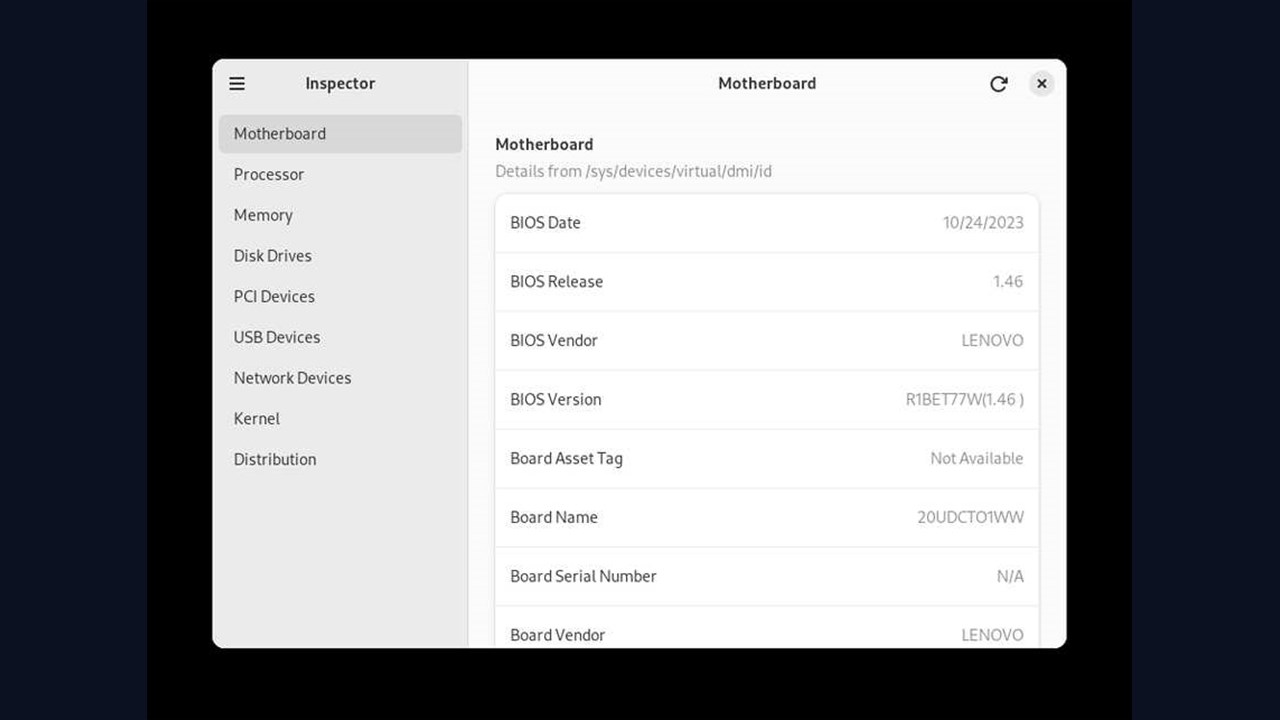
Overview
Inspector tells you exactly what is inside your computer without a single terminal command. Pick a category in the sidebar - motherboard, processor, memory, disk drives, PCI devices, USB devices, network devices, kernel or distribution - and get a tidy, readable page of facts: BIOS version and vendor, CPU architecture and model, memory ranges and sizes, drive details, connected hardware, kernel release and distro information. It is the tool to open when someone asks what RAM you have, when you need the exact board model for a driver, when support asks for your kernel version, or when you are checking a second-hand machine before buying. Everything is read straight from the system and presented in plain language, and the refresh button picks up hot-plugged devices instantly. Inspector is free and open-source software (GPL). On Linux the officially recommended distribution is the verified Flatpak: the download link below takes you to Inspector's listing on Flathub, which installs the current release with automatic updates on any distribution. System Requirements OS: Any 64-bit Linux distribution (official Flatpak via Flathub) Size: About 5 MB installed via Flatpak Note: Free and open-source (GPL) Covers: Motherboard/BIOS, CPU, RAM, disks, PCI, USB, network, kernel, distro Source: flathub.org/apps/io.github.nokse22.inspector Download source: Inspector's official Linux channel: the verified Inspector listing on Flathub (io.github.nokse22.inspector).
Product Information
- Version: 0.3.0
- Platform: Linux
- File Size: 5 MB
- Developer: Nokse
- License: Free / Open Source
- Downloads: 0
Frequently Asked Questions
- Is Inspector for Linux safe to download from FileXD?
- Yes. Every release of Inspector for Linux 0.3.0 hosted on FileXD is malware-scanned and verified before publication with a clean direct download link.
- What is the latest version and file size of Inspector for Linux?
- The latest version available on FileXD is 0.3.0 with a file size of 5 MB.
- How do I download Inspector for Linux directly?
- Click the Direct Download button on the Inspector for Linux page on FileXD to download the verified installer directly at full speed with no registration required.
Direct Download Inspector for Linux 0.3.0