Haruna for Linux 1.9.1
Haruna for Linux: a fast, modern video player built on mpv - hardware-accelerated playback, rich keyboard shortcuts and deep customization in a clean Qt interface.
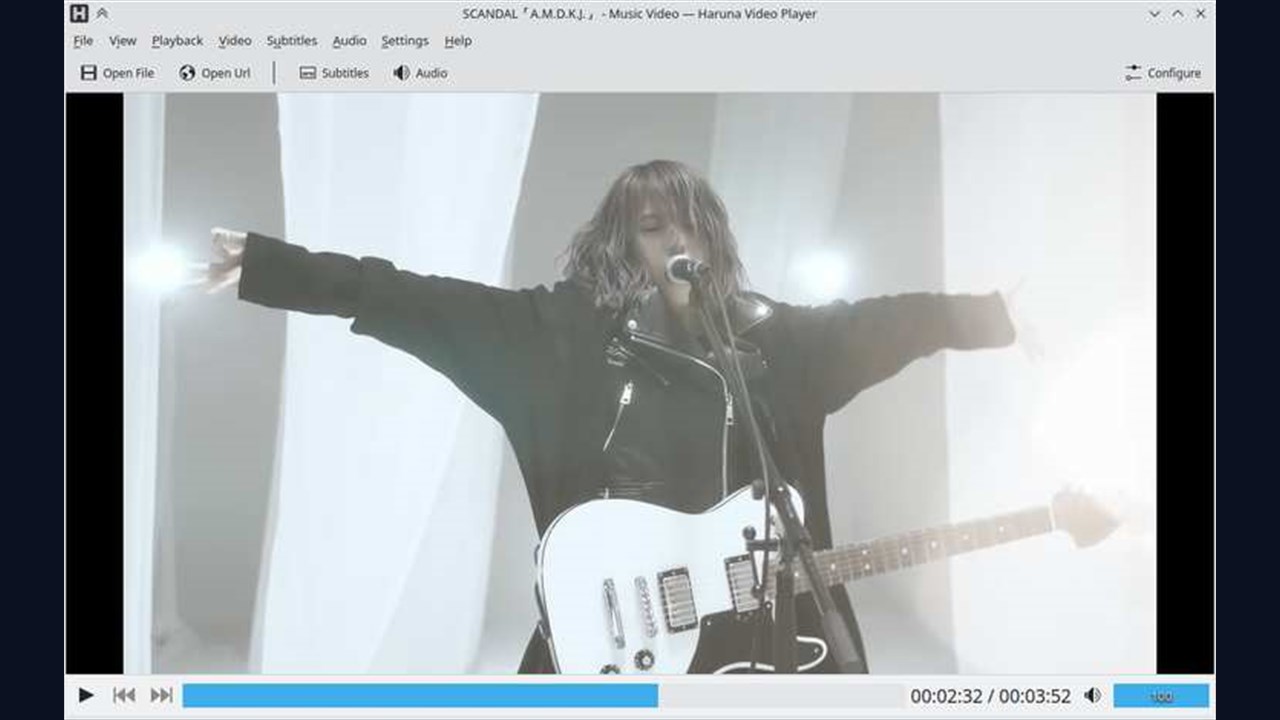
Overview
Haruna pairs the legendary mpv playback engine with a friendly, modern KDE/Qt interface - which means it plays essentially every video and audio format in existence, with top-tier rendering quality and hardware acceleration, while staying approachable for everyday use. Open a file or paste a URL (including YouTube links via yt-dlp), and playback starts instantly. The playlist, chapter skipping, subtitle and audio track switching, and playback speed controls are all right where you expect them. Where Haruna really shines is configurability without complexity: every action can be bound to a custom keyboard shortcut or mouse gesture, the interface can strip down to borderless, chromeless playback or expand into full menus, color schemes follow your system (light or dark), and power users can pass raw mpv configuration options for total control over the render pipeline. It is the rare player that serves both the "just play it" crowd and the tweak-everything crowd. Haruna is free and open-source software (GPL) developed by the KDE community. On Linux the officially recommended distribution is the verified Flatpak: the download link below takes you to Haruna's listing on Flathub, which installs the current release with automatic updates on any distribution. System Requirements OS: Any 64-bit Linux distribution (official Flatpak via Flathub) Size: About 15 MB installed via Flatpak (plus mpv runtime) Note: Free and open-source (GPL), a KDE application built on mpv Extras: Custom sho…
Product Information
- Version: 1.9.1
- Platform: Linux
- File Size: 15 MB
- Developer: KDE
- License: Free / Open Source
- Downloads: 0
Frequently Asked Questions
- Is Haruna for Linux safe to download from FileXD?
- Yes. Every release of Haruna for Linux 1.9.1 hosted on FileXD is malware-scanned and verified before publication with a clean direct download link.
- What is the latest version and file size of Haruna for Linux?
- The latest version available on FileXD is 1.9.1 with a file size of 15 MB.
- How do I download Haruna for Linux directly?
- Click the Direct Download button on the Haruna for Linux page on FileXD to download the verified installer directly at full speed with no registration required.
Direct Download Haruna for Linux 1.9.1