Folio for Linux 26.01
Folio for Linux: a beautiful markdown notebook with near-WYSIWYG rendering.
Overview
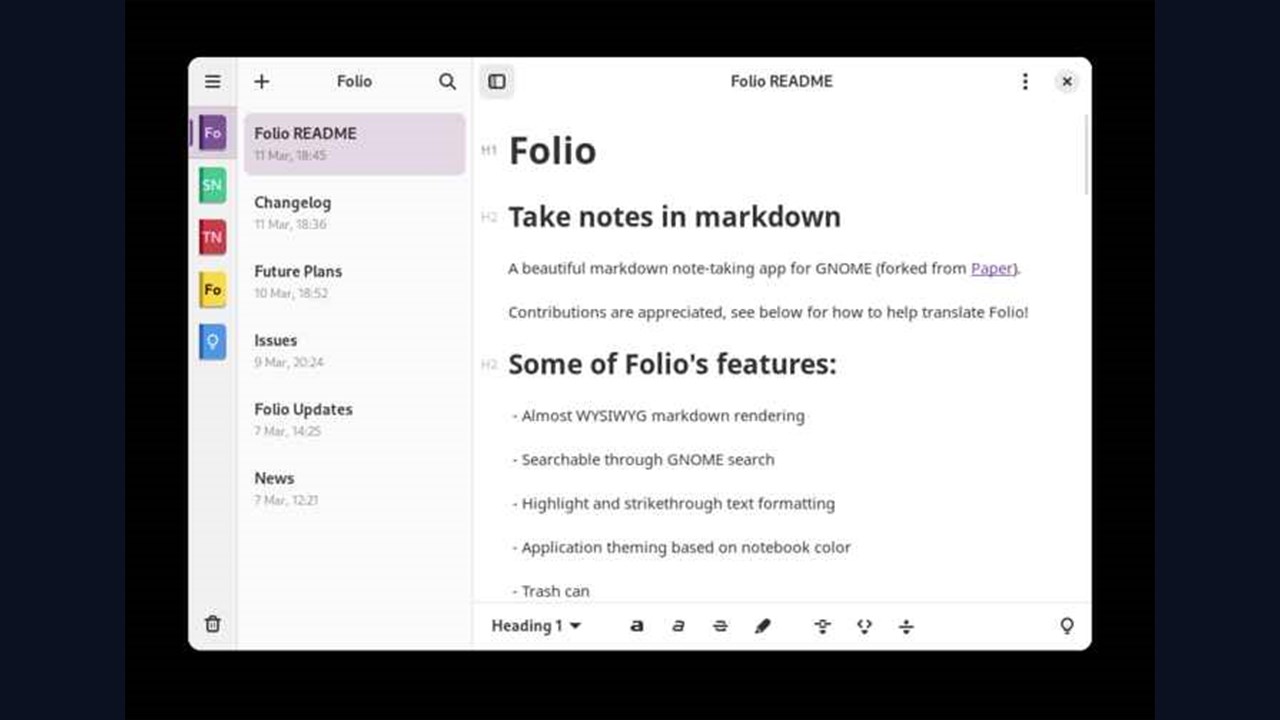
Folio makes markdown notes feel like paper. The editor renders headings, bold and lists almost as-you-type, so notes read formatted without leaving the keyboard. Notebooks line up as color-coded tabs on the left, each themeing the app to its own color. Everything stays searchable through GNOME search, a trash can protects against mistakes, and highlight and strikethrough formatting join the usual markdown toolkit. Forked from the beloved Paper, Folio carries its simple elegance forward with active maintenance. Folio on Linux: the officially recommended distribution is the Flatpak. The download link below takes you to its listing on Flathub, which installs the current release with automatic updates on any distribution. System Requirements OS: Any 64-bit Linux distribution (Flatpak via Flathub) Size: About 20 MB installed via Flatpak License: Free / Open Source (GPL-3.0) Features: Almost-WYSIWYG markdown, color-coded notebooks, GNOME search integration, highlight and strikethrough, trash can Source: flathub.org/apps/com.toolstack.Folio Download source: Folio's official Linux channel: its listing on Flathub (com.toolstack.Folio).
Product Information
- Version: 26.01
- Platform: Linux
- File Size: 20 MB
- Developer: Greg Ross
- License: Free / Open Source (GPL-3.0)
- Downloads: 0
Frequently Asked Questions
- Is Folio for Linux safe to download from FileXD?
- Yes. Every release of Folio for Linux 26.01 hosted on FileXD is malware-scanned and verified before publication with a clean direct download link.
- What is the latest version and file size of Folio for Linux?
- The latest version available on FileXD is 26.01 with a file size of 20 MB.
- How do I download Folio for Linux directly?
- Click the Direct Download button on the Folio for Linux page on FileXD to download the verified installer directly at full speed with no registration required.
Direct Download Folio for Linux 26.01