Disk Usage Analyzer for Linux Free Download 50.0
Disk Usage Analyzer for Linux: see which folders take up your disk space.
Overview
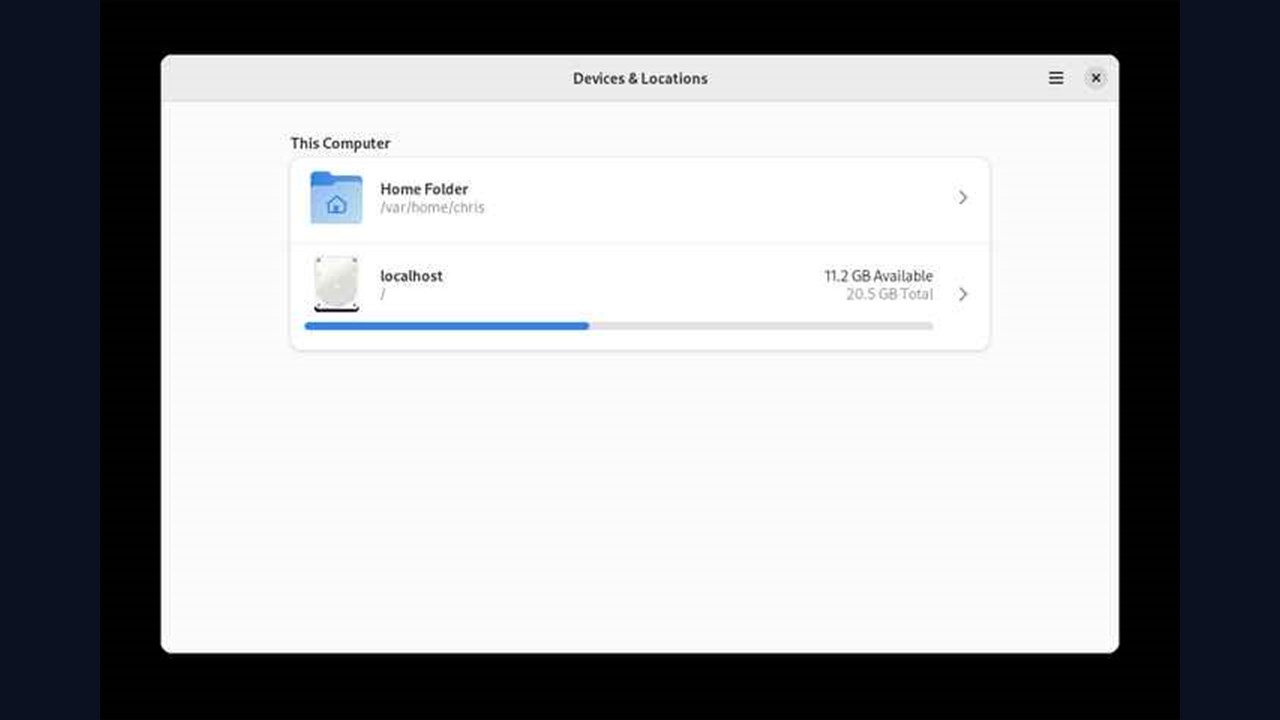
Disk Usage Analyzer, also known as Baobab, scans a folder or a whole drive and shows what uses the space. Switch between a list of folders and a ring chart or treemap to find large files quickly. It can scan local and remote locations and shows available space on every mounted device. Disk Usage Analyzer on Linux: the officially recommended distribution is the Flatpak. The download link below takes you to its listing on Flathub, which installs the current release with automatic updates on any distribution. System Requirements OS: Any 64-bit Linux distribution (Flatpak via Flathub) Size: About 10 MB installed via Flatpak License: Free / Open Source (GPL-2.0) Features: Folder size scan, ring chart and treemap, remote locations, free space overview Source: flathub.org/apps/org.gnome.baobab Download source: the official Flathub listing for Disk Usage Analyzer (org.gnome.baobab).
Product Information
- Version: 50.0
- Platform: Linux
- File Size: 10 MB
- Developer: The GNOME Project
- License: Free / Open Source (GPL-2.0)
- Downloads: 0
Frequently Asked Questions
- Is Disk Usage Analyzer for Linux Free Download safe to download from FileXD?
- Yes. Every release of Disk Usage Analyzer for Linux Free Download 50.0 hosted on FileXD is malware-scanned and verified before publication with a clean direct download link.
- What is the latest version and file size of Disk Usage Analyzer for Linux Free Download?
- The latest version available on FileXD is 50.0 with a file size of 10 MB.
- How do I download Disk Usage Analyzer for Linux Free Download directly?
- Click the Direct Download button on the Disk Usage Analyzer for Linux Free Download page on FileXD to download the verified installer directly at full speed with no registration required.
Direct Download Disk Usage Analyzer for Linux Free Download 50.0