digiKam for Linux 9.1.0
digiKam for Linux: the professional photo management workstation - organize, tag, edit and publish huge photo libraries with face recognition, RAW support and a full editor.
Overview
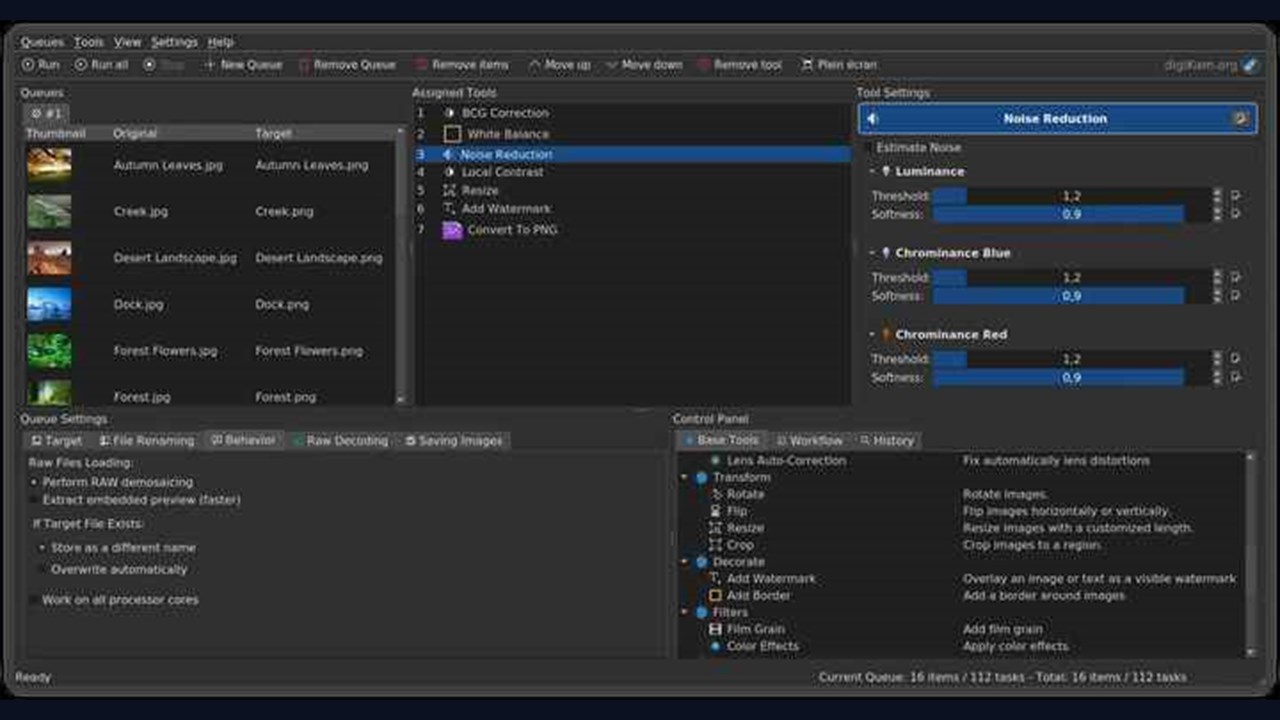
digiKam is KDE's flagship photo management application, built for libraries that run into the hundreds of thousands of images. Import from cameras and SD cards with renaming and album rules, organize with albums, tags, ratings, color labels and powerful searches, and let the face engine detect and recognize people across the whole collection. A map view geotags and browses photos by where they were taken. The editor is a full darkroom: 16-bit color depth, RAW decoding for virtually every camera, lens correction, curves, levels, noise reduction, local contrast and perspective tools, plus a light table for side-by-side comparison. Batch Queue Manager runs whole pipelines - resize, watermark, convert, enhance - across thousands of files while you keep working, and export plugins publish straight to galleries, cloud storage and social services. digiKam is free and open-source software (GPL). On Linux the officially recommended distribution is the Flatpak: the download link below takes you to its listing on Flathub, which installs the current release with automatic updates on any distribution. System Requirements OS: Any 64-bit Linux distribution (Flatpak via Flathub) Size: About 1 GB installed via Flatpak Note: Free and open-source (GPL) Features: Albums, tags and face recognition, RAW editing at 16-bit, light table, map/geotagging, Batch Queue Manager, export plugins Source: flathub.org/apps/org.kde.digikam Download source: digiKam's official Linux channel: its listing on Flath…
Product Information
- Version: 9.1.0
- Platform: Linux
- File Size: 1 GB
- Developer: digiKam team (KDE)
- License: Free / Open Source
- Downloads: 0
Frequently Asked Questions
- Is digiKam for Linux safe to download from FileXD?
- Yes. Every release of digiKam for Linux 9.1.0 hosted on FileXD is malware-scanned and verified before publication with a clean direct download link.
- What is the latest version and file size of digiKam for Linux?
- The latest version available on FileXD is 9.1.0 with a file size of 1 GB.
- How do I download digiKam for Linux directly?
- Click the Direct Download button on the digiKam for Linux page on FileXD to download the verified installer directly at full speed with no registration required.
Direct Download digiKam for Linux 9.1.0