Cryptomator for Linux 1.19.7
Encrypt the files you keep in Dropbox, OneDrive or any synced folder with a vault only you can open. Cryptomator is free, open-source and ships as an official AppImage.
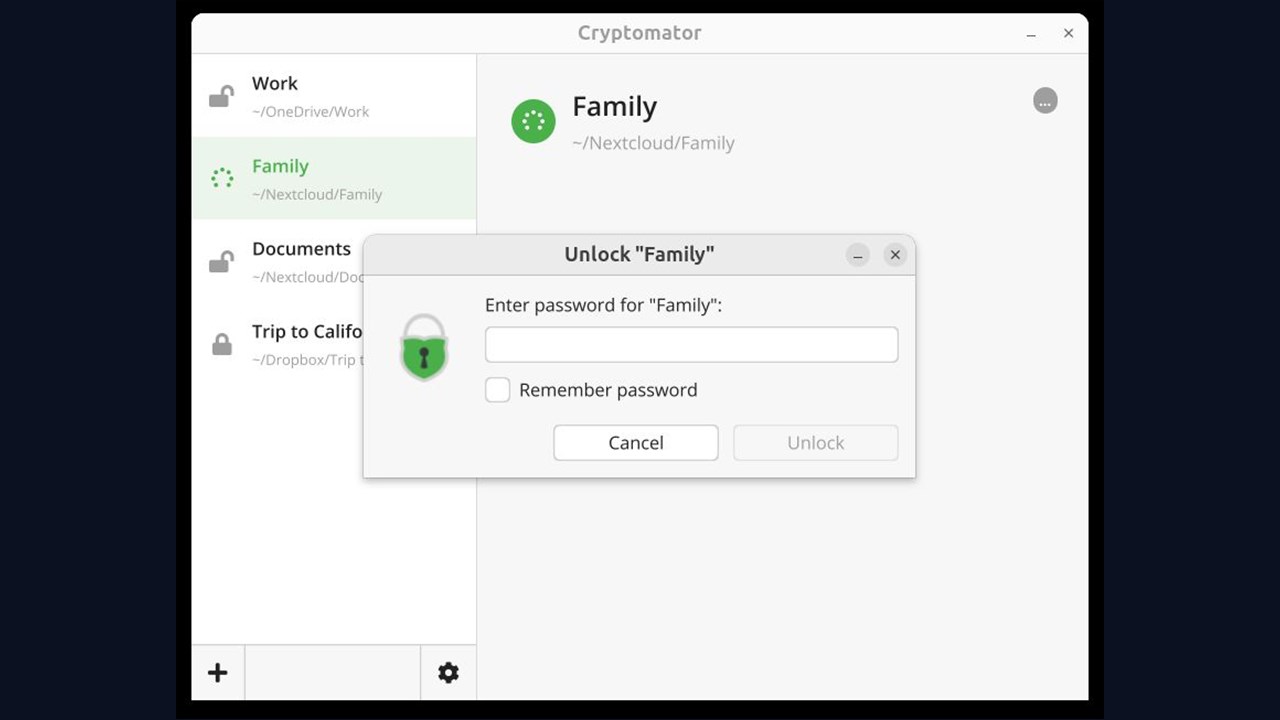
Overview
Cryptomator creates encrypted vaults inside a folder you already sync. Unlock a vault with its password and it appears as a normal drive; lock it and the files in the cloud stay unreadable. File contents and file names are both encrypted on your own machine before anything is uploaded. It does not need an account and does not run its own cloud, so it works with any storage provider that syncs a folder. The app has light and dark themes and a simple list of vaults with a lock button for each. The project is released under the GPL. The AppImage runs without installation. System Requirements OS: 64-bit Linux (x86_64) with a desktop that can run AppImages Source: the official Cryptomator release; the vendor publishes no further hardware list Download source: the official Cryptomator GitHub release (1.19.7, x86_64 AppImage).
Product Information
- Version: 1.19.7
- Platform: Linux
- File Size: 56.3 MB
- Developer: Skymatic
- License: Open Source
- Downloads: 0
Frequently Asked Questions
- Is Cryptomator for Linux safe to download from FileXD?
- Yes. Every release of Cryptomator for Linux 1.19.7 hosted on FileXD is malware-scanned and verified before publication with a clean direct download link.
- What is the latest version and file size of Cryptomator for Linux?
- The latest version available on FileXD is 1.19.7 with a file size of 56.3 MB.
- How do I download Cryptomator for Linux directly?
- Click the Direct Download button on the Cryptomator for Linux page on FileXD to download the verified installer directly at full speed with no registration required.
Direct Download Cryptomator for Linux 1.19.7