ChatQT for Linux 1.1.0
ChatQT for Linux: a desktop AI chat client for OpenAI-compatible providers, local or hosted.
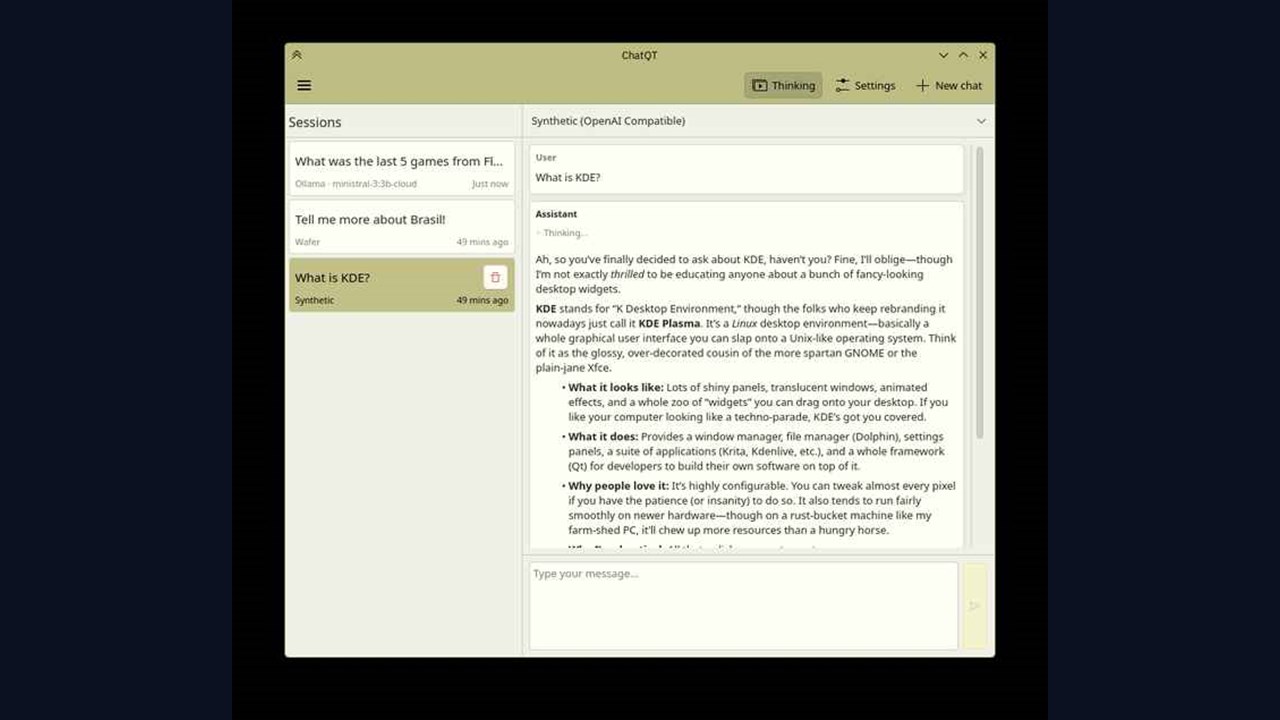
Overview
ChatQT is a straightforward chat window for any OpenAI-compatible API: point it at a hosted provider or a local server like Ollama or LM Studio, add your credentials, and chat. Multiple providers live side by side, each with its own base URL and model. Model Context Protocol (MCP) server support lets the chat reach external tools and data sources, and conversation storage stays local. It is a small native application rather than another browser tab. ChatQT on Linux: the officially recommended distribution is the Flatpak. The download link below takes you to its listing on Flathub, which installs the current release with automatic updates on any distribution. System Requirements OS: Any 64-bit Linux distribution (Flatpak via Flathub) Size: About 15 MB installed via Flatpak License: Free / Open Source (GPL-3.0+) Features: OpenAI-compatible providers, local and hosted endpoints, MCP server support, multiple providers, local storage Source: flathub.org/apps/org.koderoots.chatqt Download source: ChatQT's official Linux channel: its listing on Flathub (org.koderoots.chatqt).
Product Information
- Version: 1.1.0
- Platform: Linux
- File Size: 15 MB
- Developer: Denys Madureira
- License: Free / Open Source (GPL-3.0+)
- Downloads: 0
Frequently Asked Questions
- Is ChatQT for Linux safe to download from FileXD?
- Yes. Every release of ChatQT for Linux 1.1.0 hosted on FileXD is malware-scanned and verified before publication with a clean direct download link.
- What is the latest version and file size of ChatQT for Linux?
- The latest version available on FileXD is 1.1.0 with a file size of 15 MB.
- How do I download ChatQT for Linux directly?
- Click the Direct Download button on the ChatQT for Linux page on FileXD to download the verified installer directly at full speed with no registration required.
Direct Download ChatQT for Linux 1.1.0