Burn Fix for Linux 1.1.1
Burn Fix for Linux: clear screen image retention and find bad pixels.
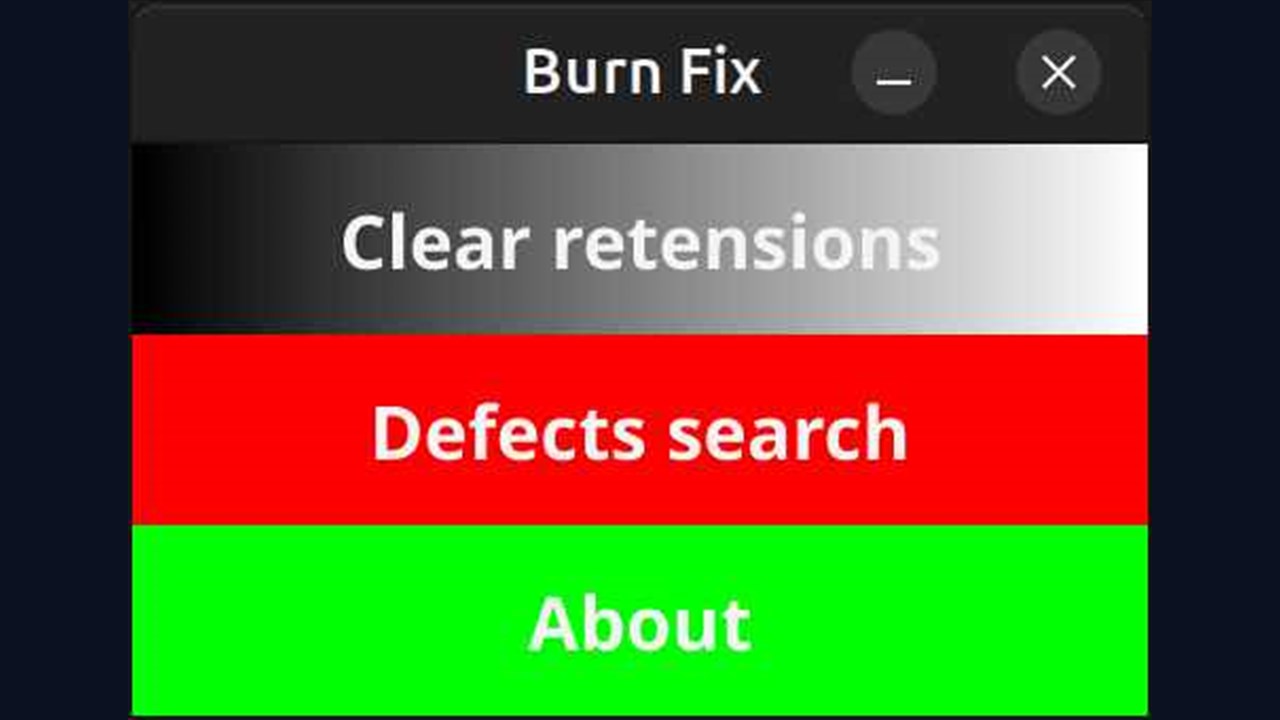
Overview
Burn Fix attacks two screen problems. Image retention and burn-in are treated by flooding the panel with shifting full-screen gradients that exercise every pixel until the ghost image fades. Defect search cycles solid colors full-screen so stuck, dead or hot pixels stand out immediately - essential when checking a new monitor or a used laptop. Everything runs from a tiny two-button window; the test screens take over the display and exit with Esc. No setup, no learning curve. Burn Fix on Linux: the officially recommended distribution is the Flatpak. The download link below takes you to its listing on Flathub, which installs the current release with automatic updates on any distribution. System Requirements OS: Any 64-bit Linux distribution (Flatpak via Flathub) Size: About 2 MB installed via Flatpak License: Free / Open Source (MIT) Features: Image retention and burn-in clearing, full-screen gradient cycling, dead and stuck pixel detection, solid color test screens, one-key exit Source: flathub.org/apps/io.github.vinser.burnfix Download source: the official Flathub listing for Burn Fix (io.github.vinser.burnfix).
Product Information
- Version: 1.1.1
- Platform: Linux
- File Size: 2 MB
- Developer: Serguei Vine
- License: Free / Open Source (MIT)
- Downloads: 0
Frequently Asked Questions
- Is Burn Fix for Linux safe to download from FileXD?
- Yes. Every release of Burn Fix for Linux 1.1.1 hosted on FileXD is malware-scanned and verified before publication with a clean direct download link.
- What is the latest version and file size of Burn Fix for Linux?
- The latest version available on FileXD is 1.1.1 with a file size of 2 MB.
- How do I download Burn Fix for Linux directly?
- Click the Direct Download button on the Burn Fix for Linux page on FileXD to download the verified installer directly at full speed with no registration required.
Direct Download Burn Fix for Linux 1.1.1