Authenticator for Linux 4.6.2
Authenticator for Linux: a polished two-factor authentication app for the desktop - generate TOTP and HOTP codes for hundreds of services, with encrypted backup and QR scanning.
Overview
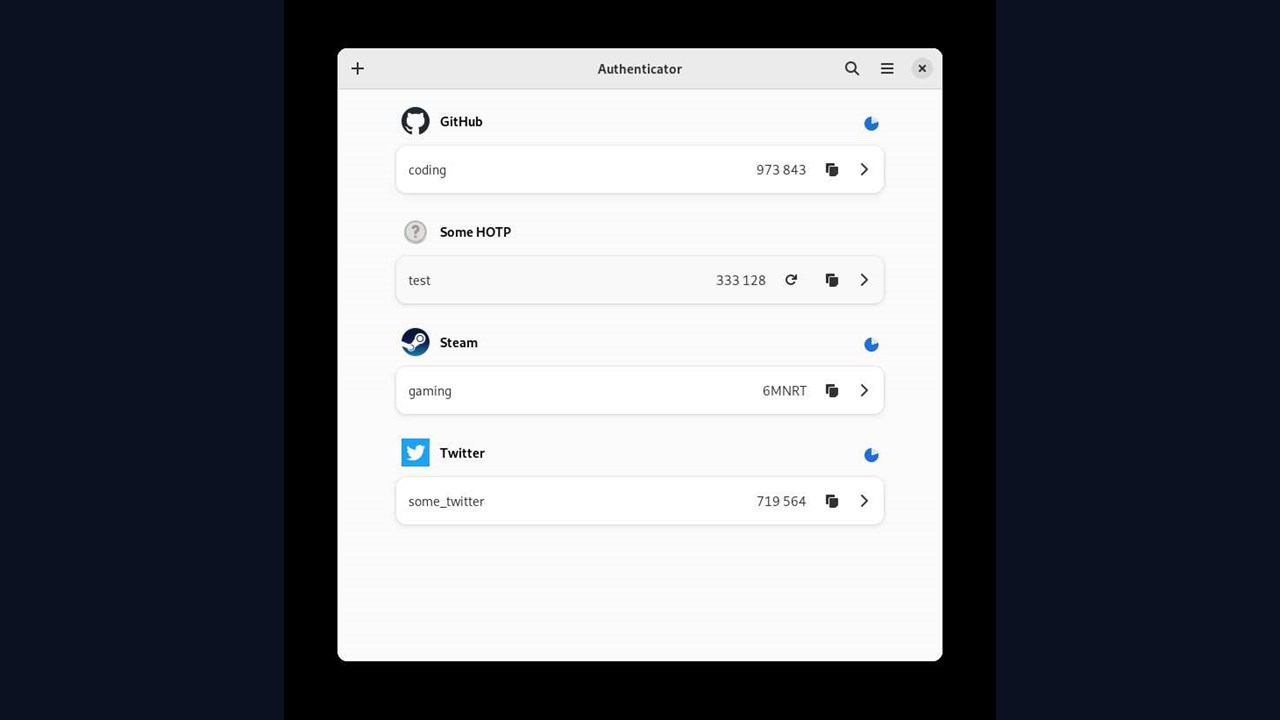
Authenticator brings your two-factor codes to the Linux desktop, so a dead phone never locks you out. Add accounts by scanning a QR code with your camera, snapping a QR image file, or typing the setup key - the app ships with a built-in directory of over 500 providers (GitHub, Google, Steam, social networks, banks and more) complete with icons and setup guides, and custom providers take seconds to define. Standard TOTP and HOTP are fully supported with configurable algorithms (SHA-1, SHA-256, SHA-512), periods and digit counts, including Steam's special 5-character format. Daily use is friction-free: codes appear in a clean list with countdown rings, one click copies the current code, and search finds any account instantly. Your secrets stay yours - everything is stored locally, backup and restore use encrypted files, and you can lock the app behind your system authentication. Import from and export to popular formats (including Aegis, andOTP, FreeOTP+ and Google Authenticator migrations) makes switching painless. Authenticator is free and open-source software (GPL) by Bilal Elmoussaoui and contributors. On Linux the officially recommended distribution is the verified Flatpak: the download link below takes you to Authenticator's listing on Flathub, which installs the current release with automatic updates on any distribution. System Requirements OS: Any 64-bit Linux distribution (official Flatpak via Flathub) Size: About 10 MB installed via Flatpak Note: Free and open-source…
Product Information
- Version: 4.6.2
- Platform: Linux
- File Size: 10 MB
- Developer: Bilal Elmoussaoui
- License: Free / Open Source
- Downloads: 0
Frequently Asked Questions
- Is Authenticator for Linux safe to download from FileXD?
- Yes. Every release of Authenticator for Linux 4.6.2 hosted on FileXD is malware-scanned and verified before publication with a clean direct download link.
- What is the latest version and file size of Authenticator for Linux?
- The latest version available on FileXD is 4.6.2 with a file size of 10 MB.
- How do I download Authenticator for Linux directly?
- Click the Direct Download button on the Authenticator for Linux page on FileXD to download the verified installer directly at full speed with no registration required.
Direct Download Authenticator for Linux 4.6.2