Windows App 2.0.1601.0
Windows App: Microsoft's official client for connecting to Windows 365 Cloud PCs, Azure Virtual Desktop and remote PCs, via the Microsoft Store.
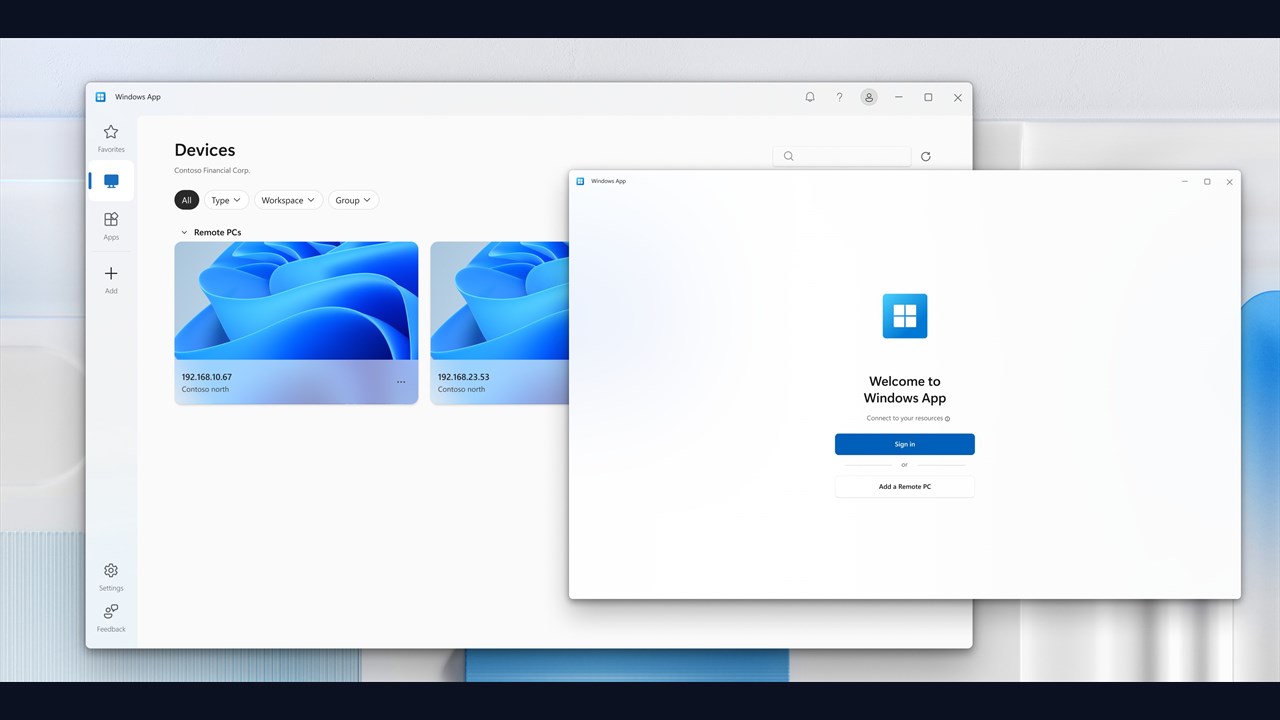
Overview
Windows App is your secure connection to Windows across Windows 365, Azure Virtual Desktop, Microsoft Dev Box, remote apps and remote PCs. Use your work or school account to connect to Windows 365, Azure Virtual Desktop, and Microsoft Dev Box. Personal Microsoft accounts (MSA) are not currently supported. You can also connect directly to a remote PC without signing in to Windows App. With support This listing is delivered through the official Microsoft Store: the download button opens the Windows App page on apps.microsoft.com, where the Store app installs the current version directly from Microsoft Corporation. The app is free; the Store always serves the latest release, and the version shown was current when this listing was published. System Requirements The official vendor page does not publish minimum hardware requirements for this program. OS: Windows 10/11 (installs via the Microsoft Store) License: Free Source: https://www.microsoft.com/ Download source: the official Microsoft Store listing for Windows App.
Product Information
- Version: 2.0.1601.0
- Platform: Windows
- File Size: 282.5 MB
- Developer: Microsoft Corporation
- License: Freeware
- Downloads: 0
Frequently Asked Questions
- Is Windows App safe to download from FileXD?
- Yes. Every release of Windows App 2.0.1601.0 hosted on FileXD is malware-scanned and verified before publication with a clean direct download link.
- What is the latest version and file size of Windows App?
- The latest version available on FileXD is 2.0.1601.0 with a file size of 282.5 MB.
- How do I download Windows App directly?
- Click the Direct Download button on the Windows App page on FileXD to download the verified installer directly at full speed with no registration required.
Direct Download Windows App 2.0.1601.0