WinDbg 1.2611.4001.0
WinDbg: Microsoft's official debugger for Windows - analyze crash dumps, debug user-mode and kernel-mode code, with a modern UI, via the Microsoft Store.
Overview
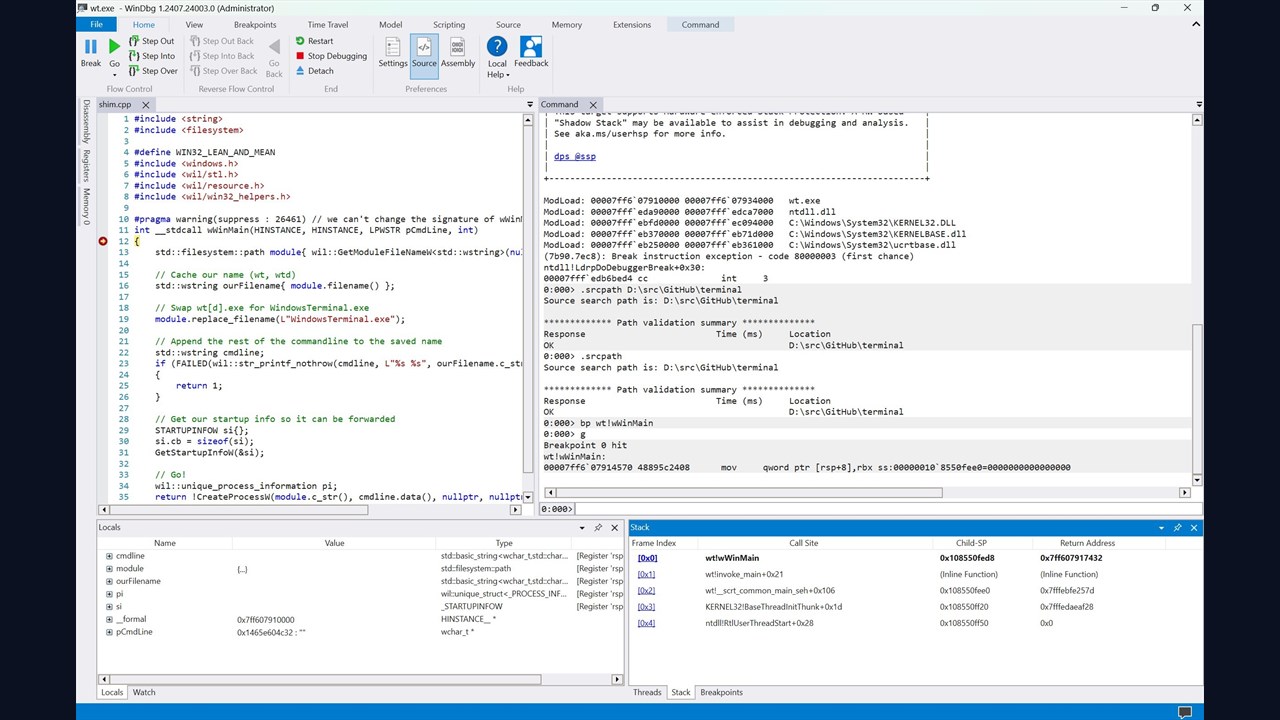
We've updated WinDbg to have more modern visuals, faster windows, a full-fledged scripting experience, and Time Travel Debugging, all with the easily extensible debugger data model front and center. WinDbg is using the same underlying engine as WinDbg (classic), so all the commands, extensions, and This listing is delivered through the official Microsoft Store: the download button opens the WinDbg page on apps.microsoft.com, where the Store app installs the current version directly from Microsoft Corporation. The app is free; the Store always serves the latest release, and the version shown was current when this listing was published. System Requirements The official vendor page does not publish minimum hardware requirements for this program. OS: Windows 10/11 (installs via the Microsoft Store) License: Free Source: https://www.microsoft.com/ Download source: the official Microsoft Store listing for WinDbg.
Product Information
- Version: 1.2611.4001.0
- Platform: Windows
- File Size: 1169 MB
- Developer: Microsoft Corporation
- License: Freeware
- Downloads: 0
Frequently Asked Questions
- Is WinDbg safe to download from FileXD?
- Yes. Every release of WinDbg 1.2611.4001.0 hosted on FileXD is malware-scanned and verified before publication with a clean direct download link.
- What is the latest version and file size of WinDbg?
- The latest version available on FileXD is 1.2611.4001.0 with a file size of 1169 MB.
- How do I download WinDbg directly?
- Click the Direct Download button on the WinDbg page on FileXD to download the verified installer directly at full speed with no registration required.
Direct Download WinDbg 1.2611.4001.0