Twinkle Tray Free Download 1.17.2
Adjust the brightness of external monitors right from the system tray. Grab Twinkle Tray at no cost.
Overview
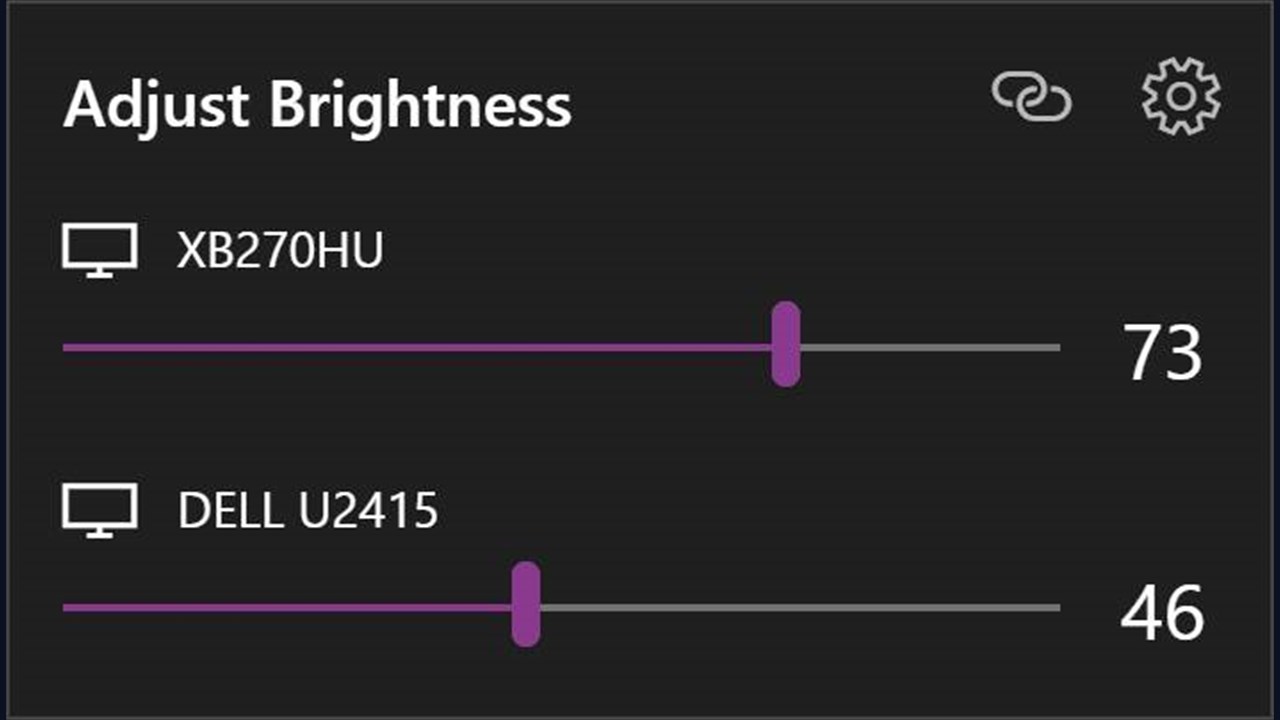
Twinkle Tray is a small open source utility that adds a brightness slider for every connected monitor to the Windows system tray, something Windows itself only offers for laptop screens. Clicking the tray icon opens a panel with one slider per display, using DDC/CI to talk directly to the monitors. Brightness can also be changed with hotkeys or the mouse scroll wheel on the tray icon, and time-based adjustments can dim or brighten screens on a schedule, for example warmer and dimmer in the evening. Twinkle Tray matches the look of Windows 10 and 11 flyouts, remembers per-monitor settings, and can link monitors so several screens move together. It runs quietly in the background and starts with Windows if you want it to. System Requirements OS: Windows 10 or Windows 11 Source: twinkletray.com Download source: the official Twinkle Tray GitHub releases page.
Product Information
- Version: 1.17.2
- Platform: Windows
- File Size: 88.1 MB
- Developer: Alexander Frangos
- License: Open Source
- Downloads: 0
Frequently Asked Questions
- Is Twinkle Tray Free Download safe to download from FileXD?
- Yes. Every release of Twinkle Tray Free Download 1.17.2 hosted on FileXD is malware-scanned and verified before publication with a clean direct download link.
- What is the latest version and file size of Twinkle Tray Free Download?
- The latest version available on FileXD is 1.17.2 with a file size of 88.1 MB.
- How do I download Twinkle Tray Free Download directly?
- Click the Direct Download button on the Twinkle Tray Free Download page on FileXD to download the verified installer directly at full speed with no registration required.
Direct Download Twinkle Tray Free Download 1.17.2