Speedtest by Ookla 1.27.200.0
Speedtest by Ookla for Windows: measure your internet ping, download and upload speeds with Ookla's official app, via the Microsoft Store.
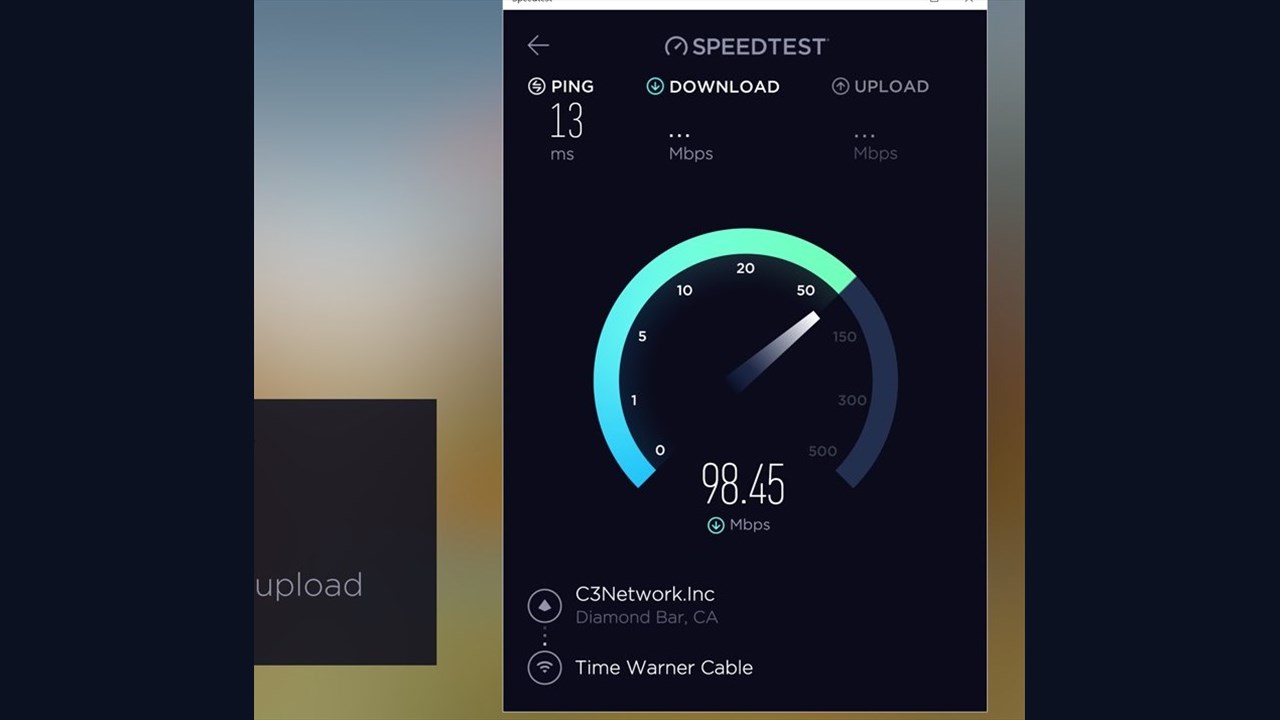
Overview
We encourage you to read our updated Privacy Policy http://www.speedtest.net/privacy Use Speedtest for easy, one-click connection testing in under 30 seconds\u2014accurate everywhere thanks to our global network. Millions of people each day use the Speedtest website and mobile apps to test their internet speed. Now, the most accurate and convenient way to test your speed lives on your Windows This listing is delivered through the official Microsoft Store: the download button opens the Speedtest by Ookla page on apps.microsoft.com, where the Store app installs the current version directly from Ookla, LLC. The app is free; the Store always serves the latest release, and the version shown was current when this listing was published. System Requirements The official vendor page does not publish minimum hardware requirements for this program. OS: Windows 10/11 (installs via the Microsoft Store) License: Free Source: https://www.speedtest.net/ Download source: the official Microsoft Store listing for Speedtest by Ookla.
Product Information
- Version: 1.27.200.0
- Platform: Windows
- File Size: 122.8 MB
- Developer: Ookla, LLC
- License: Freeware
- Downloads: 0
Frequently Asked Questions
- Is Speedtest by Ookla safe to download from FileXD?
- Yes. Every release of Speedtest by Ookla 1.27.200.0 hosted on FileXD is malware-scanned and verified before publication with a clean direct download link.
- What is the latest version and file size of Speedtest by Ookla?
- The latest version available on FileXD is 1.27.200.0 with a file size of 122.8 MB.
- How do I download Speedtest by Ookla directly?
- Click the Direct Download button on the Speedtest by Ookla page on FileXD to download the verified installer directly at full speed with no registration required.
Direct Download Speedtest by Ookla 1.27.200.0