Snipping Tool Free Download 2022.2609.15.0
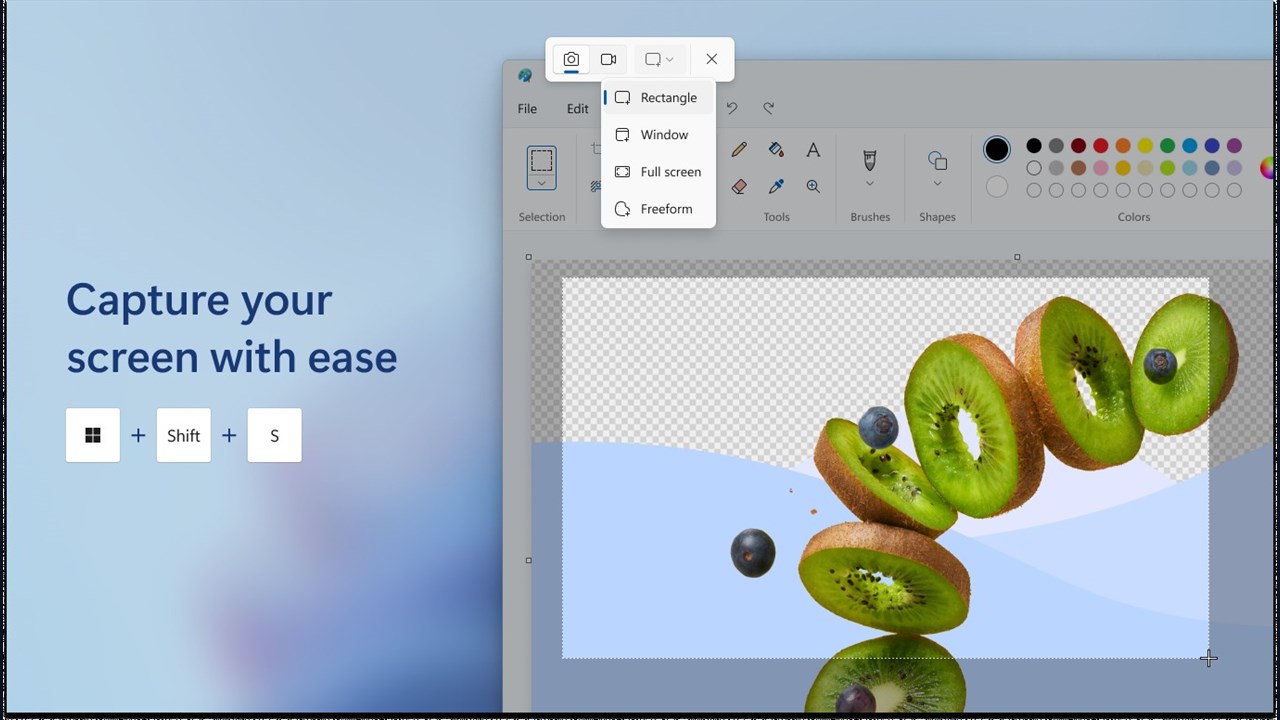
Capture images easily with the new Snipping Tool app on Windows 11. Use mouse, touch, or pen to edit screenshots and share them anywhere. Note:
Overview
Capture images easily with the new Snipping Tool app on Windows 11. Use mouse, touch, or pen to edit screenshots and share them anywhere. Note: The new Snipping Tool is available only on Windows 11. If you’re using Windows 10, Snip & Sketch will download to your PC instead. This listing is delivered through the official Microsoft Store: the download button opens the Snipping Tool page on apps.microsoft.com, where the Store app installs the current version directly from Microsoft Corporation. The app is free; the Store always serves the latest release, and the version shown was current when this listing was published. System Requirements The official vendor page does not publish minimum hardware requirements for this program. OS: Windows 10/11 (installs via the Microsoft Store) License: Free Source: https://apps.microsoft.com/detail/9MZ95KL8MR0L Download source: the official Microsoft Store listing for Snipping Tool.
Product Information
- Version: 2022.2609.15.0
- Platform: Windows
- File Size: 823 MB
- Developer: Microsoft Corporation
- License: Freeware
- Downloads: 0
Frequently Asked Questions
- Is Snipping Tool Free Download safe to download from FileXD?
- Yes. Every release of Snipping Tool Free Download 2022.2609.15.0 hosted on FileXD is malware-scanned and verified before publication with a clean direct download link.
- What is the latest version and file size of Snipping Tool Free Download?
- The latest version available on FileXD is 2022.2609.15.0 with a file size of 823 MB.
- How do I download Snipping Tool Free Download directly?
- Click the Direct Download button on the Snipping Tool Free Download page on FileXD to download the verified installer directly at full speed with no registration required.
Direct Download Snipping Tool Free Download 2022.2609.15.0