Raspberry Pi Imager 2.0.12 Free Download 2.0.12
The official Raspberry Pi card writer: pick a board and an OS, and it downloads, verifies and flashes the card in one pass.
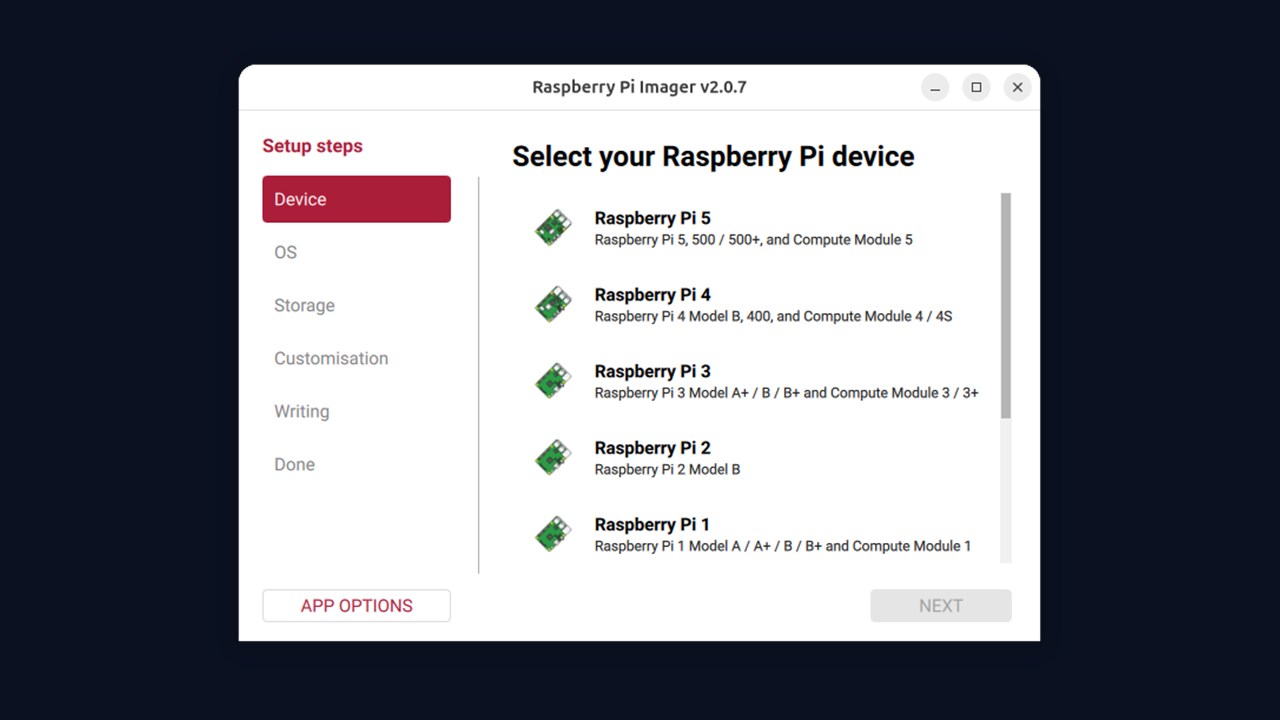
Overview
Raspberry Pi's own imaging tool removes every fiddly step from preparing a boot card. Choose your Pi model, pick an operating system from the curated list or your own image file, select the card, and press write. The imager downloads, caches, verifies and flashes in a single pass, and can pre-configure hostname, Wi-Fi, SSH keys and user accounts so the Pi is ready on first boot. Free and open source from the Raspberry Pi Foundation, as the official Windows installer. System Requirements OS: Windows 10 or Windows 11 (64-bit) Disk space: 200 MB free space Source: raspberrypi.com / github.com/raspberrypi/rpi-imager Download source: GitHub official release server.
Product Information
- Version: 2.0.12
- Platform: Windows
- File Size: 21.3 MB
- Developer: Raspberry Pi Ltd
- License: Open Source
- Downloads: 0
Frequently Asked Questions
- Is Raspberry Pi Imager 2.0.12 Free Download safe to download from FileXD?
- Yes. Every release of Raspberry Pi Imager 2.0.12 Free Download 2.0.12 hosted on FileXD is malware-scanned and verified before publication with a clean direct download link.
- What is the latest version and file size of Raspberry Pi Imager 2.0.12 Free Download?
- The latest version available on FileXD is 2.0.12 with a file size of 21.3 MB.
- How do I download Raspberry Pi Imager 2.0.12 Free Download directly?
- Click the Direct Download button on the Raspberry Pi Imager 2.0.12 Free Download page on FileXD to download the verified installer directly at full speed with no registration required.
Direct Download Raspberry Pi Imager 2.0.12 Free Download 2.0.12