QuickLook Free Download 4.5.0
Preview files instantly with the spacebar, like Quick Look on macOS. Get QuickLook free on PC.
Overview
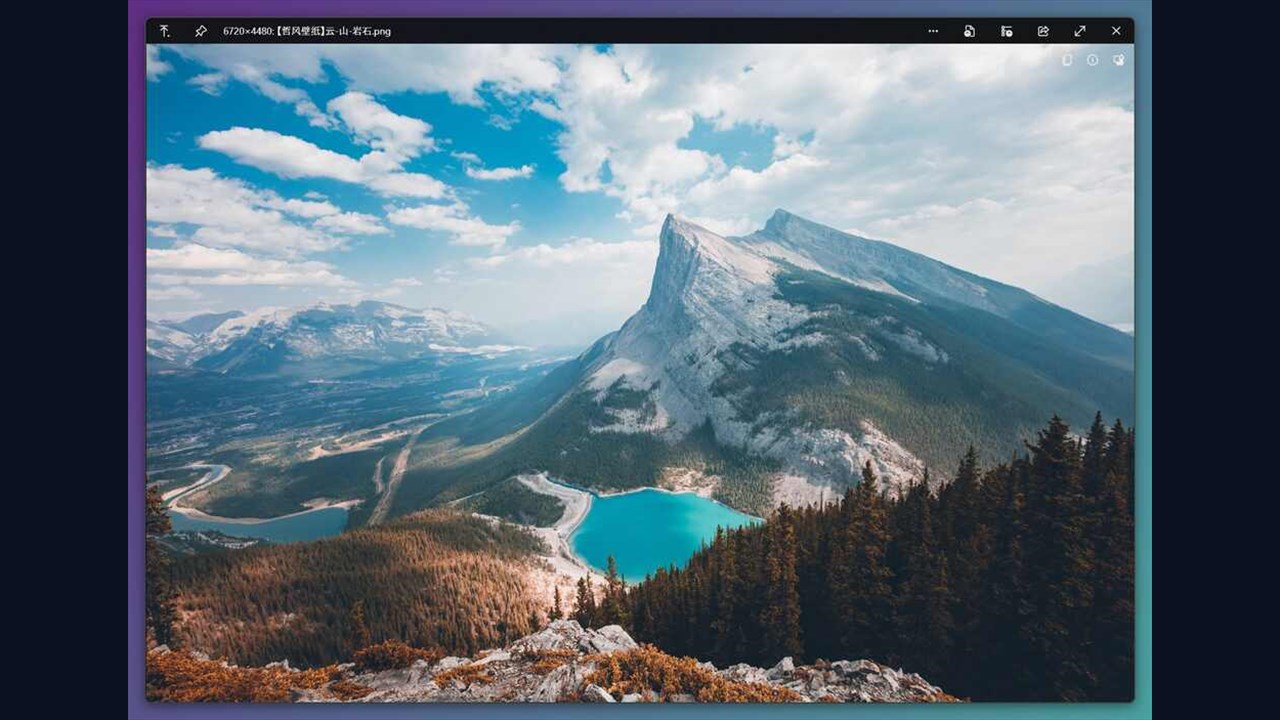
New to QuickLook? It brings the macOS-style quick preview habit to Windows: select any file in Explorer or a file dialog, tap the spacebar, and a preview pops up instantly without opening the full application. The preview window renders images, videos, audio, PDFs, text and code with syntax highlighting, archives as browsable folder trees, Office documents, Markdown, fonts and even 3D models. Press the spacebar again and it is gone, so browsing a folder full of mixed files becomes a fast visual scan instead of a slow open-and-close loop. QuickLook runs quietly in the background, starts with Windows and uses almost no resources until you call it. Community plugins extend it to more formats, and it works inside Open and Save dialogs as well as on the desktop. The project is free, open source and also distributed on the Microsoft Store. System Requirements The official vendor page does not publish minimum hardware requirements for this program. Source: github.com/QL-Win/QuickLook Download source: the official QuickLook GitHub releases page.
Product Information
- Version: 4.5.0
- Platform: Windows
- File Size: 90.1 MB
- Developer: QL-Win Contributors
- License: Open Source
- Downloads: 0
Frequently Asked Questions
- Is QuickLook Free Download safe to download from FileXD?
- Yes. Every release of QuickLook Free Download 4.5.0 hosted on FileXD is malware-scanned and verified before publication with a clean direct download link.
- What is the latest version and file size of QuickLook Free Download?
- The latest version available on FileXD is 4.5.0 with a file size of 90.1 MB.
- How do I download QuickLook Free Download directly?
- Click the Direct Download button on the QuickLook Free Download page on FileXD to download the verified installer directly at full speed with no registration required.
Direct Download QuickLook Free Download 4.5.0