iCloud 15.10.39.0
iCloud for Windows: Apple's official app to access iCloud Photos, files, Drive and passwords on your PC, via the Microsoft Store.
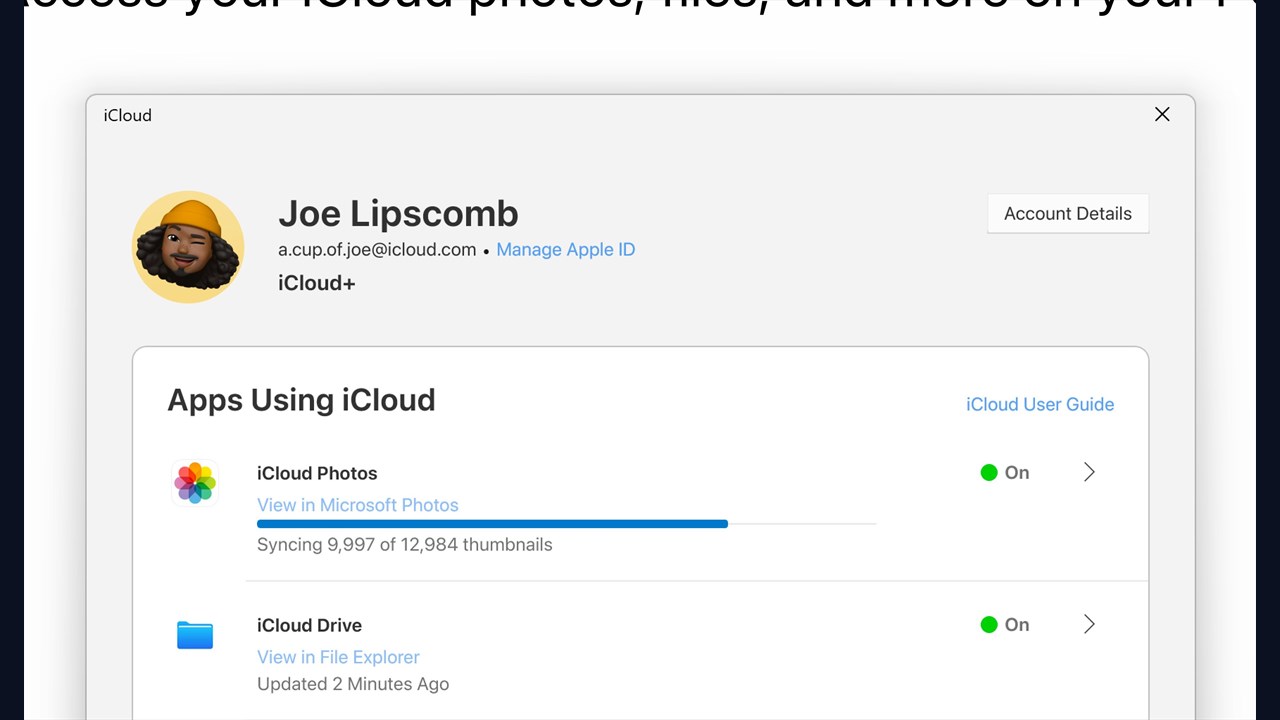
Overview
With the iCloud for Windows app, you can access photos, files, passwords, and other important information from your iPhone or other Apple devices on your Windows PC. iCloud Photos \u2022 Access and view your iCloud photos directly in the Microsoft Photos app. \u2022 Keep your photos up to date across all your devices and your PC. \u2022 Create Shared Albums and invite others to add photos, videos, This listing is delivered through the official Microsoft Store: the download button opens the iCloud page on apps.microsoft.com, where the Store app installs the current version directly from Apple Inc.. The app is free; the Store always serves the latest release, and the version shown was current when this listing was published. System Requirements The official vendor page does not publish minimum hardware requirements for this program. OS: Windows 10/11 (installs via the Microsoft Store) License: Free Source: https://www.apple.com/ Download source: the official Microsoft Store listing for iCloud.
Product Information
- Version: 15.10.39.0
- Platform: Windows
- File Size: 338.8 MB
- Developer: Apple Inc.
- License: Freeware
- Downloads: 0
Frequently Asked Questions
- Is iCloud safe to download from FileXD?
- Yes. Every release of iCloud 15.10.39.0 hosted on FileXD is malware-scanned and verified before publication with a clean direct download link.
- What is the latest version and file size of iCloud?
- The latest version available on FileXD is 15.10.39.0 with a file size of 338.8 MB.
- How do I download iCloud directly?
- Click the Direct Download button on the iCloud page on FileXD to download the verified installer directly at full speed with no registration required.
Direct Download iCloud 15.10.39.0