HEVC Player for Windows Free Download 2.1.5.0
Play HEVC H.265 videos in 4K HDR on Windows 10 and 11 without converting, plus DVD playback, streams and video tools.
Overview
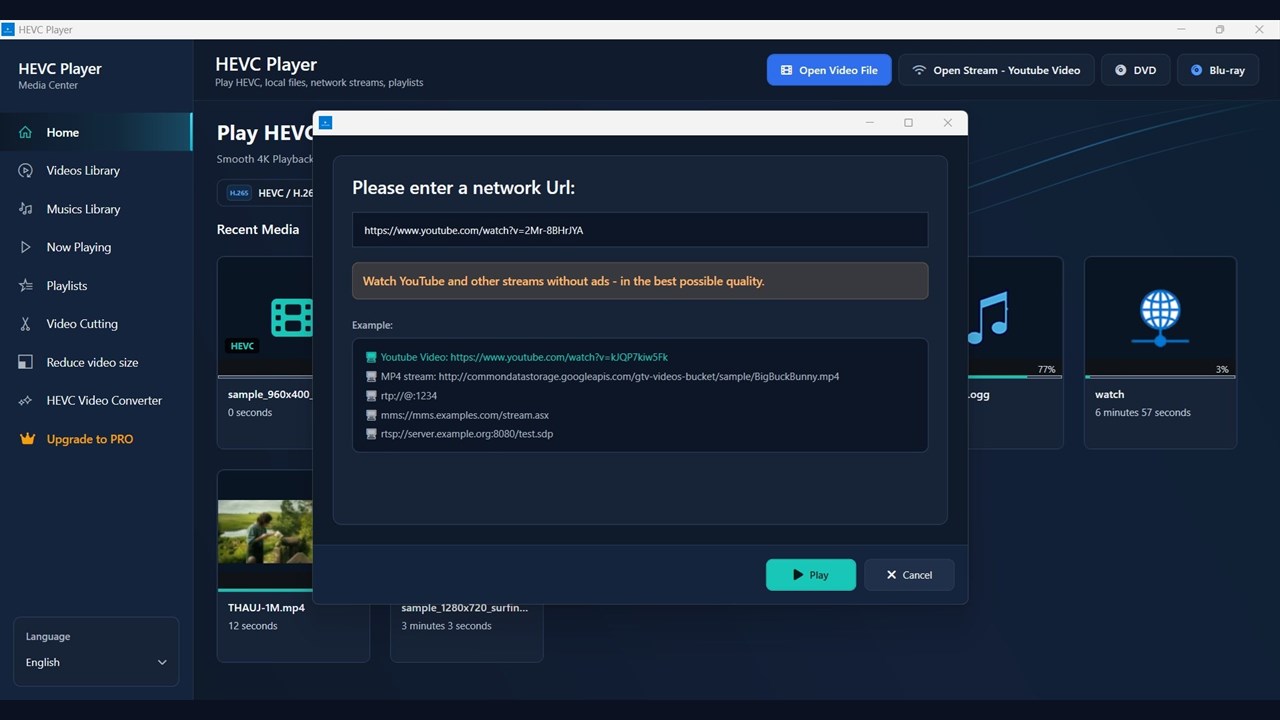
HEVC Player for Windows plays HEVC (H.265) videos on Windows 10 and 11 directly, with no conversion step. It handles a wide range of popular video and audio formats, DVD discs and DVD images, network streams and YouTube links, all from one dark, simple interface. Beyond playback, the app converts videos to MP4, MKV, MOV and H.265, cuts clips and reduces file sizes, and keeps a video and music library with playlists. The player is free, with an optional Pro upgrade inside the app. System Requirements The official vendor page does not publish minimum hardware requirements for this program. OS: Windows 10 version 1809 (build 17763) or later, 64-bit License: Freeware; optional Pro upgrade Source: the Microsoft Store listing Download source: the official Microsoft Store listing (https://apps.microsoft.com/detail/9nt6hhpsmqch); the download button opens the app's page on the Microsoft Store.
Product Information
- Version: 2.1.5.0
- Platform: Windows
- File Size: 198 MB
- Developer: SVG Design
- License: Freeware
- Downloads: 0
Frequently Asked Questions
- Is HEVC Player for Windows Free Download safe to download from FileXD?
- Yes. Every release of HEVC Player for Windows Free Download 2.1.5.0 hosted on FileXD is malware-scanned and verified before publication with a clean direct download link.
- What is the latest version and file size of HEVC Player for Windows Free Download?
- The latest version available on FileXD is 2.1.5.0 with a file size of 198 MB.
- How do I download HEVC Player for Windows Free Download directly?
- Click the Direct Download button on the HEVC Player for Windows Free Download page on FileXD to download the verified installer directly at full speed with no registration required.
Direct Download HEVC Player for Windows Free Download 2.1.5.0