Real HEIC File Viewer Free Download 2.0.35.0
Open iPhone HEIC photos on Windows instantly: browse folders of HEIF images like any other picture format.
Overview
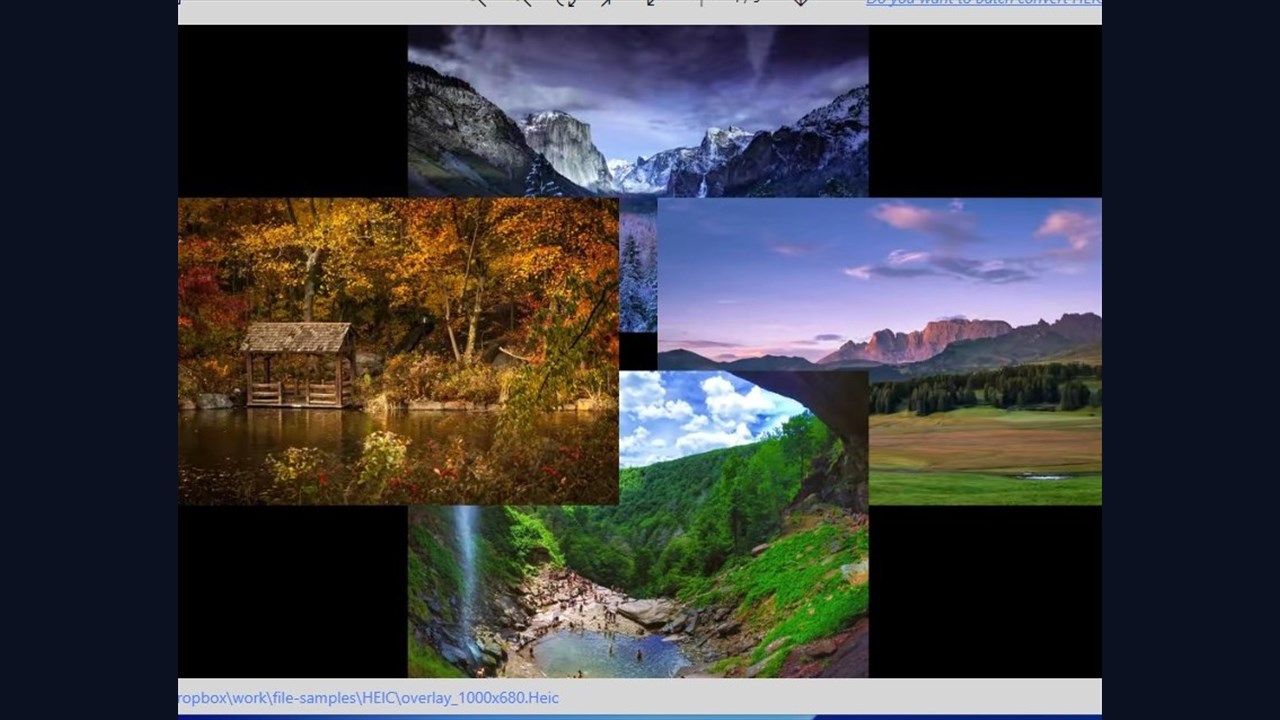
Real HEIC File Viewer opens HEIC and HEIF photos on a Windows PC without codecs or conversion steps. Open one photo and browse through every image in the folder, including other common formats, with simple zoom and navigation controls. The core viewing features are completely free; the developer's Premium option is purely a way to support the work and the prompt can be dismissed with one click. System Requirements The official vendor page does not publish minimum hardware requirements for this program. OS: Windows 10 version 1809 (build 17763) or later License: Free core; optional Premium support tier Source: the Microsoft Store listing Download source: the official Microsoft Store listing (https://apps.microsoft.com/detail/9mwg29tt7njn); the download button opens the app's page on the Microsoft Store.
Product Information
- Version: 2.0.35.0
- Platform: Windows
- File Size: 46 MB
- Developer: Xiaoya Lab
- License: Freeware; optional premium
- Downloads: 0
Frequently Asked Questions
- Is Real HEIC File Viewer Free Download safe to download from FileXD?
- Yes. Every release of Real HEIC File Viewer Free Download 2.0.35.0 hosted on FileXD is malware-scanned and verified before publication with a clean direct download link.
- What is the latest version and file size of Real HEIC File Viewer Free Download?
- The latest version available on FileXD is 2.0.35.0 with a file size of 46 MB.
- How do I download Real HEIC File Viewer Free Download directly?
- Click the Direct Download button on the Real HEIC File Viewer Free Download page on FileXD to download the verified installer directly at full speed with no registration required.
Direct Download Real HEIC File Viewer Free Download 2.0.35.0