G App Launcher Free Download 3.0.2.0
One-click desktop access to Gmail, YouTube, Drive and other Google services, with a built-in private browser and customizable search.
Overview
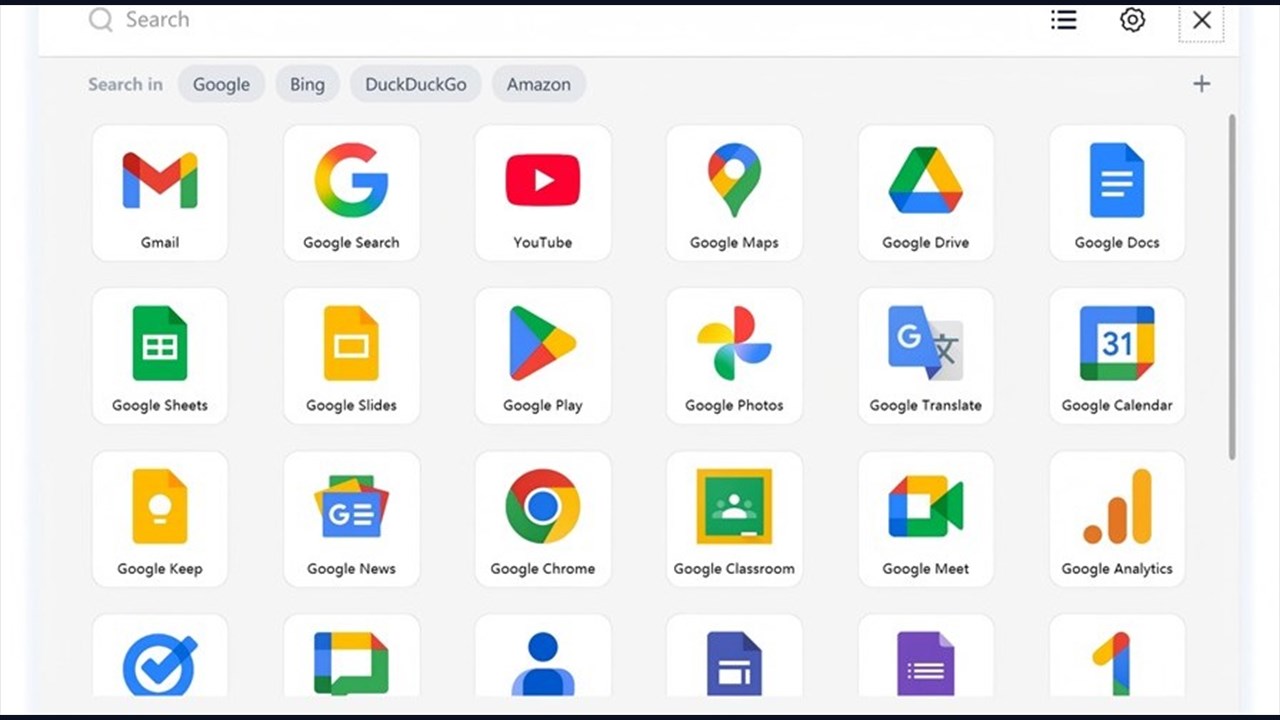
G App Launcher puts Google's most used services one click away on the Windows desktop. A compact, tidy window opens Gmail, YouTube, Google Docs, Google Calendar, Gemini, Maps and more, and a right-click turns any of them into a desktop shortcut for even faster access. Beyond the launcher grid, the app bundles a lightweight private browser that blocks trackers and ads by default (including YouTube ads), a customizable search bar that switches between engines such as Bing, DuckDuckGo, TikTok and Amazon, and AI helpers for chat, translation and PC cleanup powered by the Claude, ChatGPT and Gemini models. System Requirements The official vendor page does not publish minimum hardware requirements for this program. OS: Windows 10 version 1607 (build 14393) or later, 64-bit License: Freeware Source: the Microsoft Store listing Download source: the official Microsoft Store listing (https://apps.microsoft.com/detail/9NR87D6JD37P); the download button opens the app's page on the Microsoft Store.
Product Information
- Version: 3.0.2.0
- Platform: Windows
- File Size: 94 MB
- Developer: Apppre Mobile
- License: Freeware
- Downloads: 0
Frequently Asked Questions
- Is G App Launcher Free Download safe to download from FileXD?
- Yes. Every release of G App Launcher Free Download 3.0.2.0 hosted on FileXD is malware-scanned and verified before publication with a clean direct download link.
- What is the latest version and file size of G App Launcher Free Download?
- The latest version available on FileXD is 3.0.2.0 with a file size of 94 MB.
- How do I download G App Launcher Free Download directly?
- Click the Direct Download button on the G App Launcher Free Download page on FileXD to download the verified installer directly at full speed with no registration required.
Direct Download G App Launcher Free Download 3.0.2.0