Doc Scan PDF Scanner Free Download 1.2.14.0
Turn scanners from HP, Canon, Brother, Epson and more into a PDF workflow, with OCR, editing and PDF/PNG output.
Overview
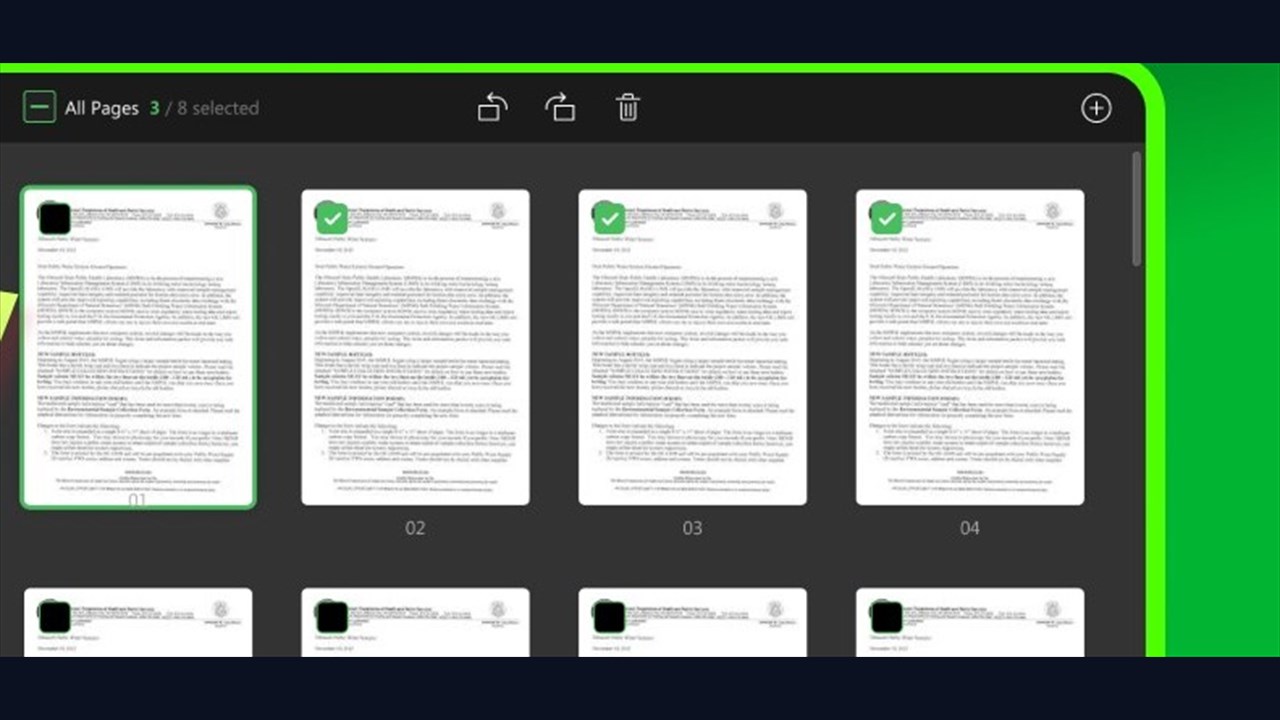
Doc Scan is designed to scan documents and pictures and save them in the format you want with a simple click. It works with most scanner and printer brands, including HP, Canon, Brother, Epson, Fujitsu, Lenovo, Panasonic, Ricoh, Samsung and Xerox. Scans can be saved as PDF, JPEG, PNG, BMP or TIFF, and built-in OCR recognizes text in scanned pages. Crop, rotate, reorder and adjust contrast before exporting, so multi-page documents come out clean and ready to share. System Requirements The official vendor page does not publish minimum hardware requirements for this program. OS: Windows 10 version 1809 (build 17763) or later, 64-bit License: Freeware Source: the Microsoft Store listing Download source: the official Microsoft Store listing (https://apps.microsoft.com/detail/9pd0cd1vszng); the download button opens the app's page on the Microsoft Store.
Product Information
- Version: 1.2.14.0
- Platform: Windows
- File Size: 134 MB
- Developer: better app
- License: Freeware
- Downloads: 0
Frequently Asked Questions
- Is Doc Scan PDF Scanner Free Download safe to download from FileXD?
- Yes. Every release of Doc Scan PDF Scanner Free Download 1.2.14.0 hosted on FileXD is malware-scanned and verified before publication with a clean direct download link.
- What is the latest version and file size of Doc Scan PDF Scanner Free Download?
- The latest version available on FileXD is 1.2.14.0 with a file size of 134 MB.
- How do I download Doc Scan PDF Scanner Free Download directly?
- Click the Direct Download button on the Doc Scan PDF Scanner Free Download page on FileXD to download the verified installer directly at full speed with no registration required.
Direct Download Doc Scan PDF Scanner Free Download 1.2.14.0