Canva 1.129.0
Free Canva desktop app for Windows: graphic design, presentations, documents, whiteboards and video editing with templates, Magic tools and team collaboration.
Overview
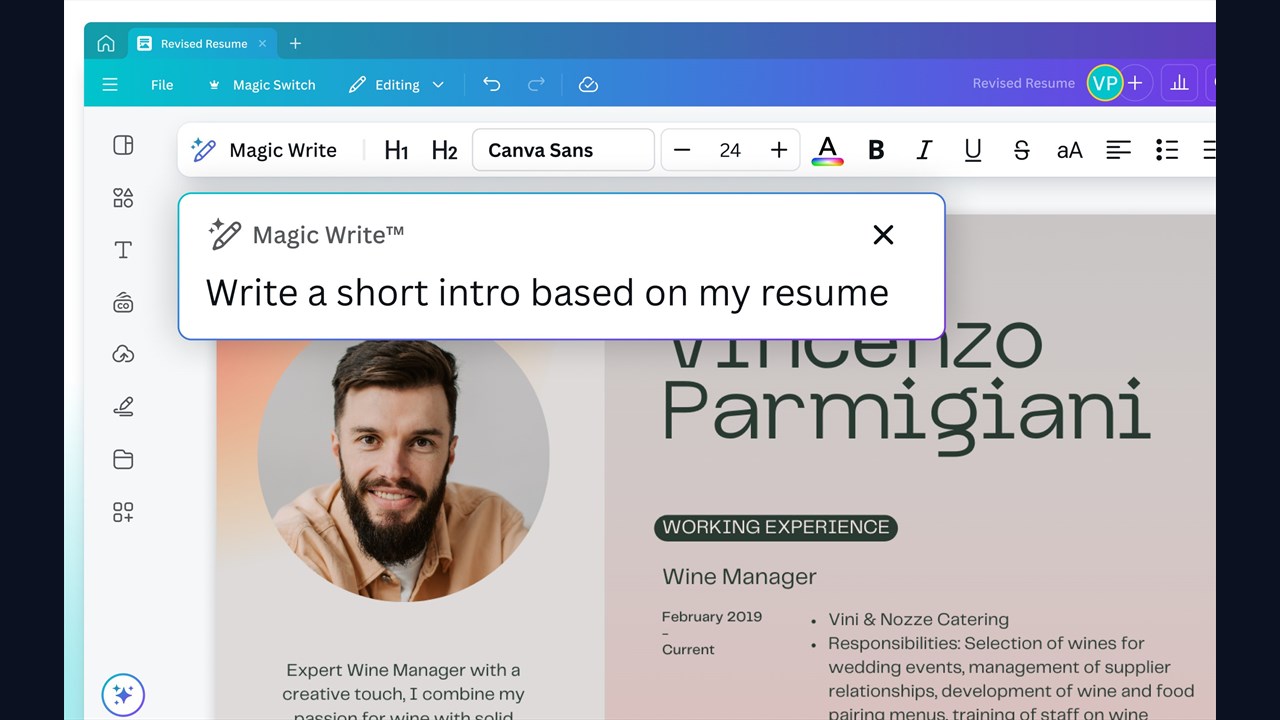
Canva brings its full visual design suite to a native Windows desktop app. Start from thousands of professionally designed templates or a blank canvas and create social media posts, presentations, posters, documents, whiteboards, logos and videos. The drag-and-drop editor includes a huge built-in library of photos, icons, fonts, stickers and charts, plus Magic Studio tools such as Magic Write text generation, Magic Edit and background remover for fast, polished results. The desktop app adds offline-friendly session handling, native notifications, multi-window editing and tighter OS integration than the browser version. Real-time collaboration lets teams comment and edit together, Brand Kit keeps company colors, fonts and logos consistent, and one-click resize adapts a design to any format. Everything syncs with your Canva account across web and mobile. Canva is free to use with an optional Canva Pro subscription that unlocks premium assets and advanced tools; the desktop app itself and its core editor are free. The download is the official Canva Setup installer served from Canva's own release CDN (desktop-release.canva.com). System Requirements The official vendor page does not publish minimum hardware requirements for this program. OS: Windows 10/11 64-bit License: Freeware (optional Pro subscription) Source: https://www.canva.com/ Download source: Canva's official desktop release CDN.
Product Information
- Version: 1.129.0
- Platform: Windows
- File Size: 116.7 MB
- Developer: Canva Pty Ltd
- License: Freeware
- Downloads: 0
Frequently Asked Questions
- Is Canva safe to download from FileXD?
- Yes. Every release of Canva 1.129.0 hosted on FileXD is malware-scanned and verified before publication with a clean direct download link.
- What is the latest version and file size of Canva?
- The latest version available on FileXD is 1.129.0 with a file size of 116.7 MB.
- How do I download Canva directly?
- Click the Direct Download button on the Canva page on FileXD to download the verified installer directly at full speed with no registration required.